00:00 IST

ePocket Chart

An interactive, customizable learning workspace where students engage with content through visual, drag-and-drop activities.

ePC Top

OVERVIEW

Improving student engagement through an interactive, play-based learning experience. This project focuses on designing the ePocket Chart — a digital activity workspace used by K–5 students to complete learning tasks using visual cards.

The goal was to transform static activities into a flexible, interactive system where students can learn through hands-on actions, while teachers can easily customize and manage activities based on classroom needs.

INDUSTRY

EdTech

ROLE AND DURATION

UX & UI Improvement

2026

CLIENT

BU Logo_

Context

Teachers create activities using different content types (images, words, word parts), and students interact with them inside a digital workspace.

However, the existing experience did not fully support:

    • intuitive interaction for young learners
    • flexible customization for teachers
    • smooth flow between creation and usage

Problem

The system was functional, but not intuitive.

The platform was trying to serve two very different users:

  • Kids → need simplicity, clarity, and play
  • Teachers → need control, customization, and flexibility

This led to key UX issues:

  • Overloaded interface for children
  • Unclear interaction patterns (what to do next?)
  • Fragmented customization experience
  • Weak engagement in activities

Goal

Design a system that:

  • Feels like play for kids
  • is easy to understand without instructions
  • allows teachers to customize activities easily
  • maintains clarity across both experiences

My Role

Product / UX Designer

  • led UX strategy and interaction design
  • defined system structure for workspace + customization
  • designed core flows (play, drag-drop, configure)
  • collaborated with PMs and engineers for feasibility

Market Research

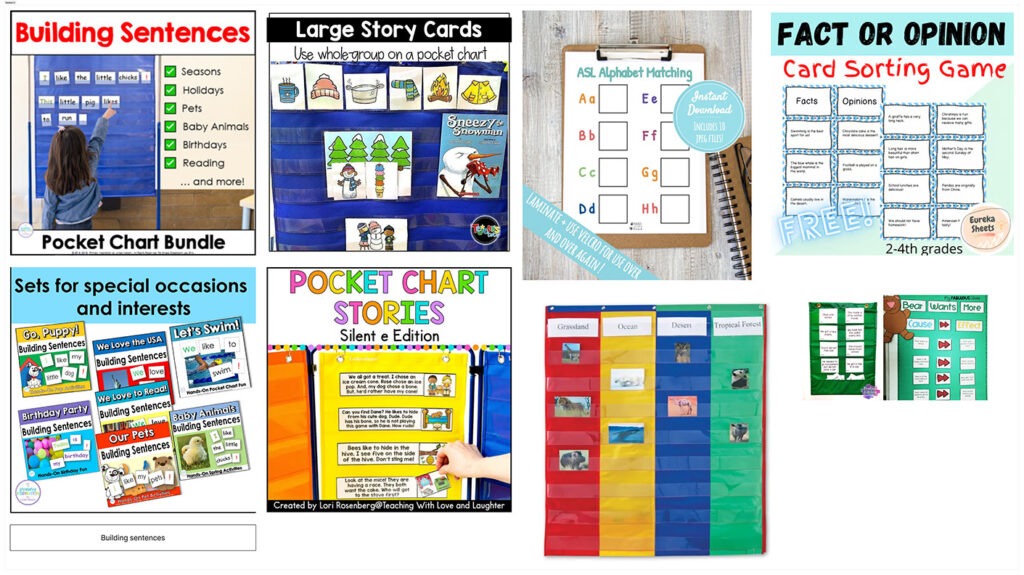
The early learning segment (K–2) is highly visual, tactile, and repetition-driven. Products are designed to support foundational literacy skills such as phonics, sentence building, and categorization through interactive and engaging formats.

    • Strong reliance on visual learning aids (charts, cards, color-coded systems)
    • Activities focus on core literacy skills: phonics, sorting, matching, sentence formation
    • Most solutions are teacher-led or classroom-centric
    • Heavy use of bright colors and playful UI to maintain attention

User Flow

This flow illustrates how learners move through the course and what happens when they attempt to leave mid-session.


Users initiate an exit from the learning screen, after which a focused decision layer appears. From here, they either continue the course without losing progress or proceed to exit. For those leaving, a lightweight feedback step helps capture intent and improve future experiences.


The flow is designed to keep interactions simple, reduce friction, and support quick decision-making while preserving user control.

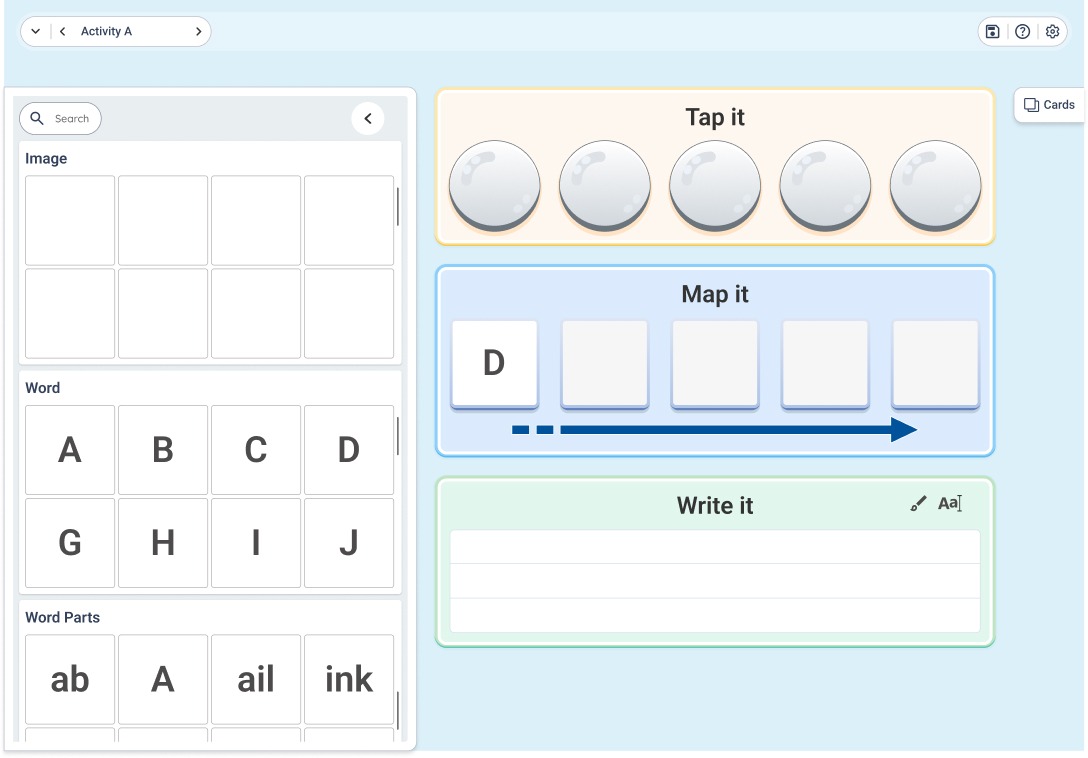
Ideation

Lo-Fi wireframe was made after brainstormed. The prerequisite were straight forward and i march with the low-fi wireframe design.
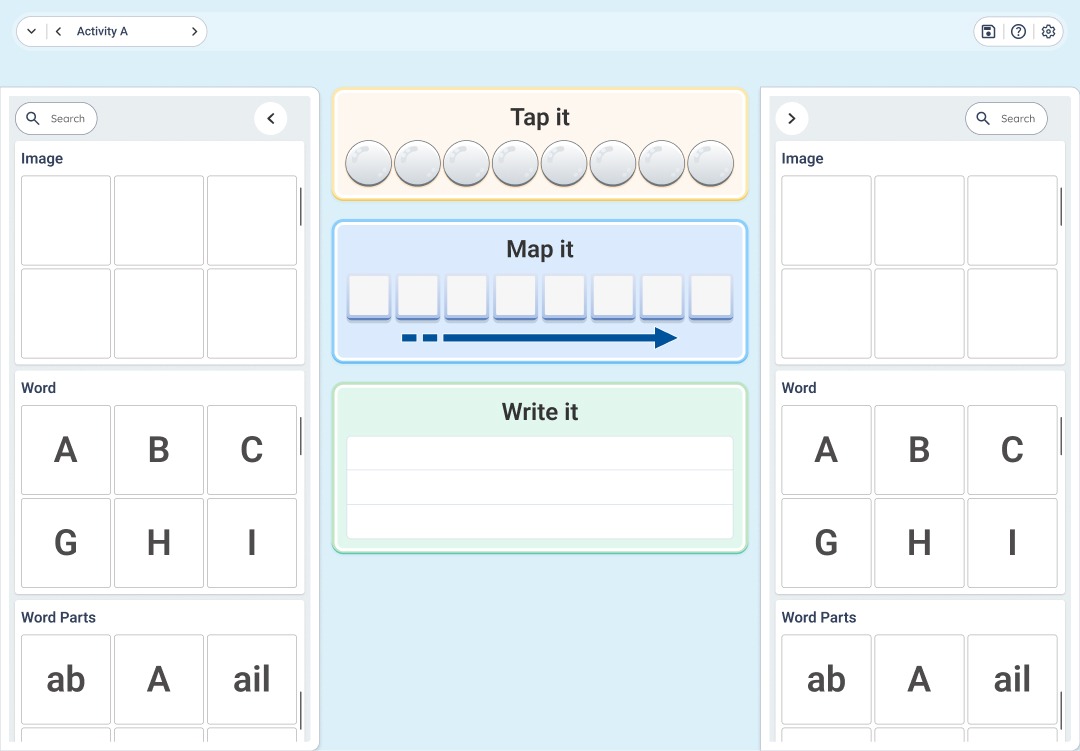
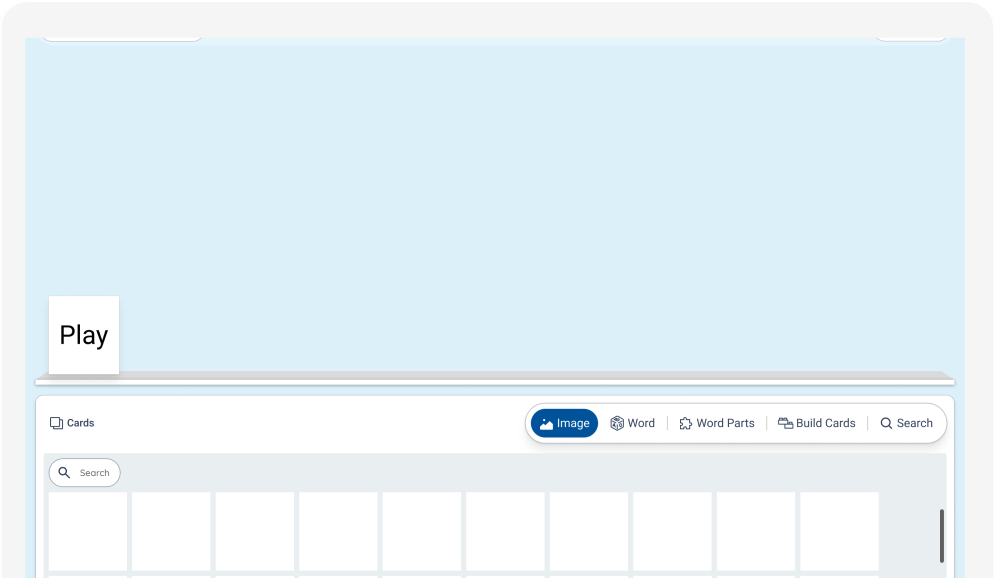
High-Fidelity Experience

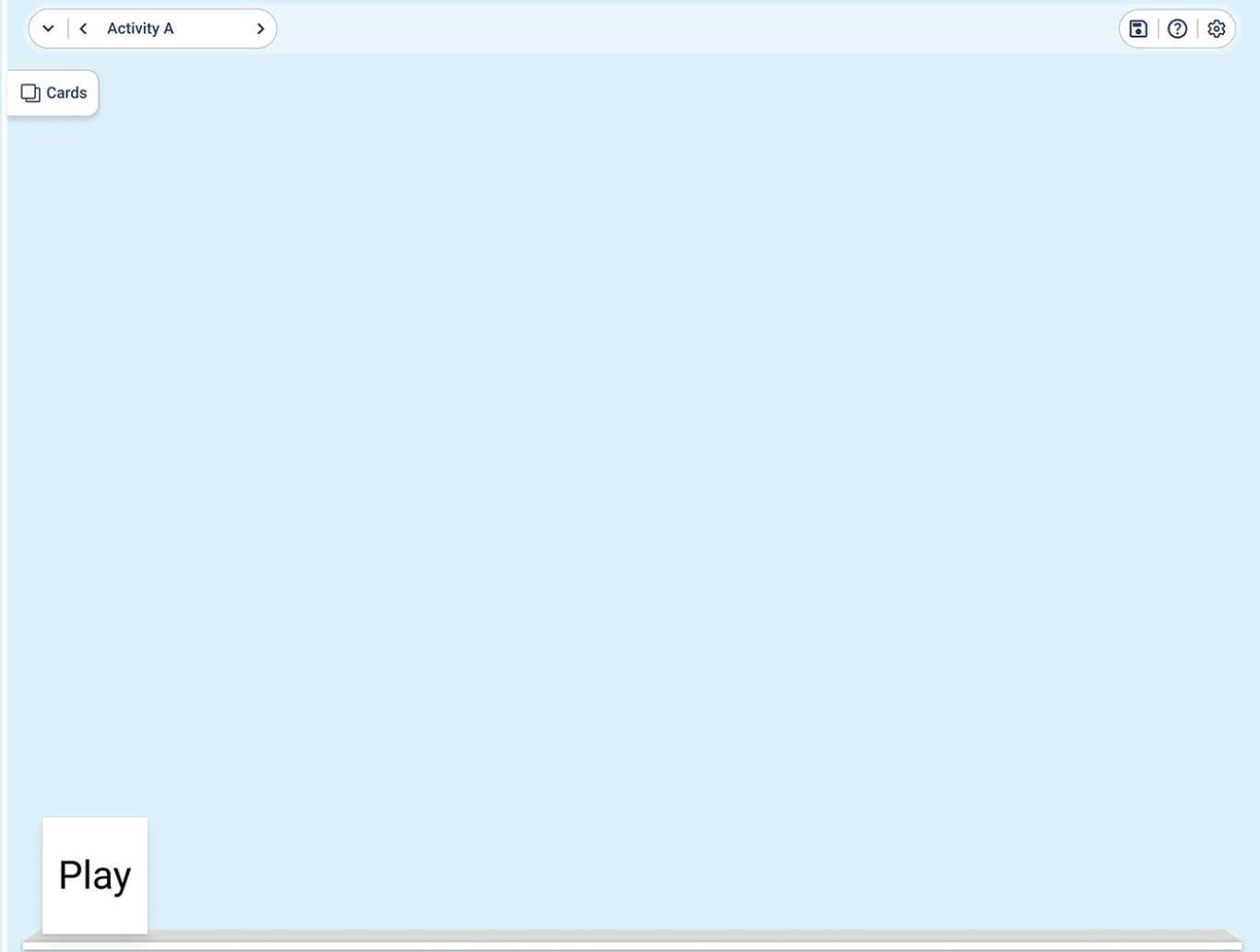
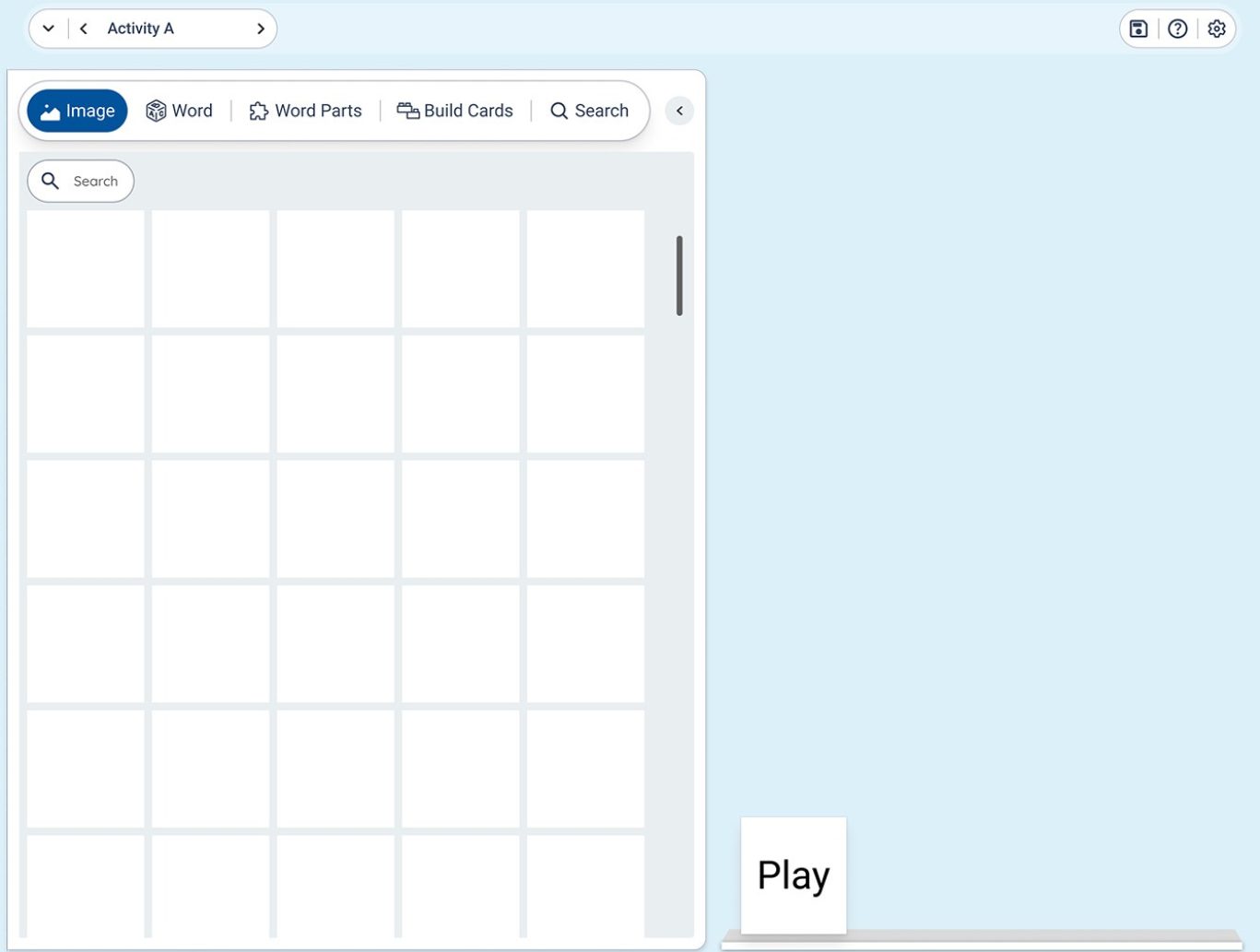
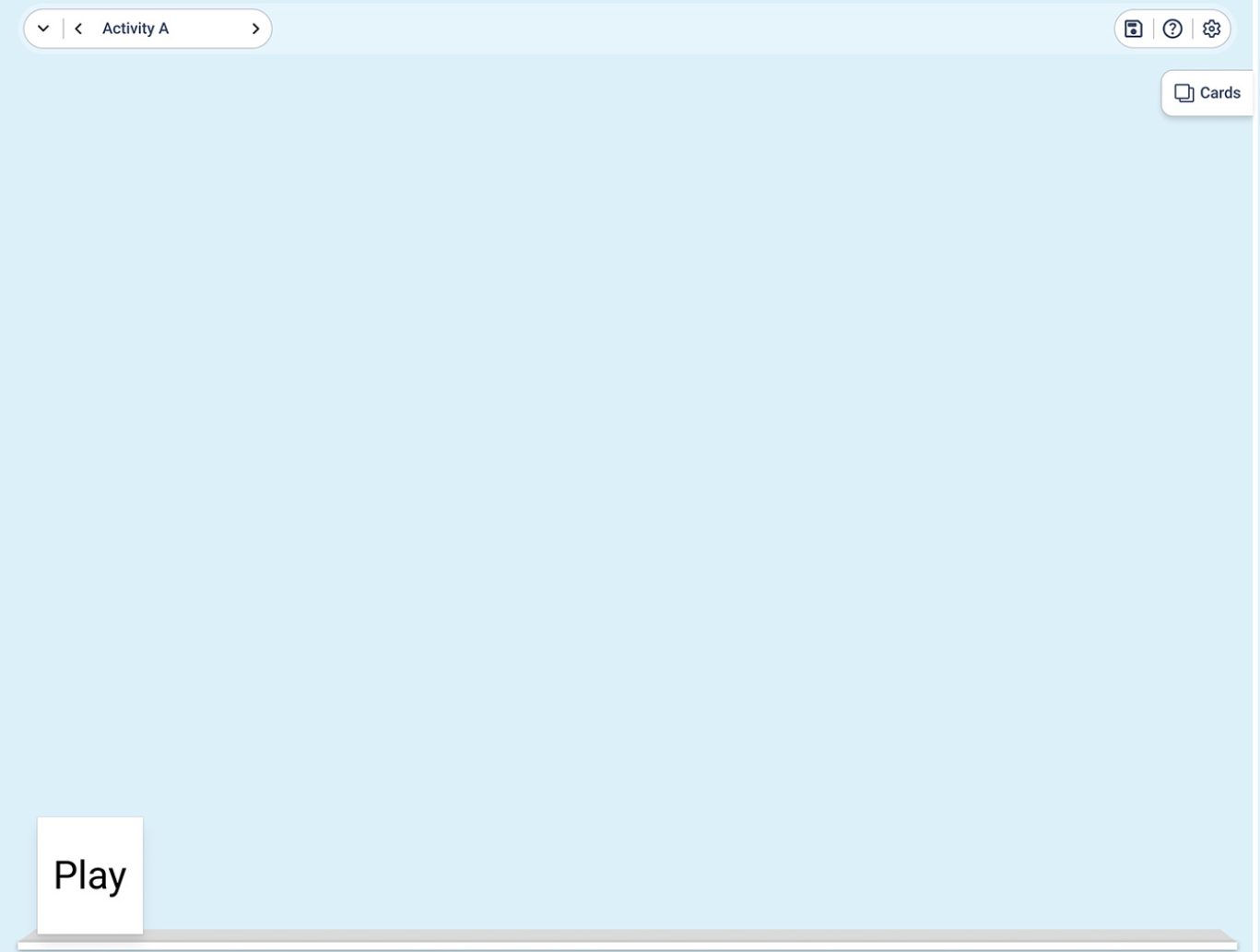
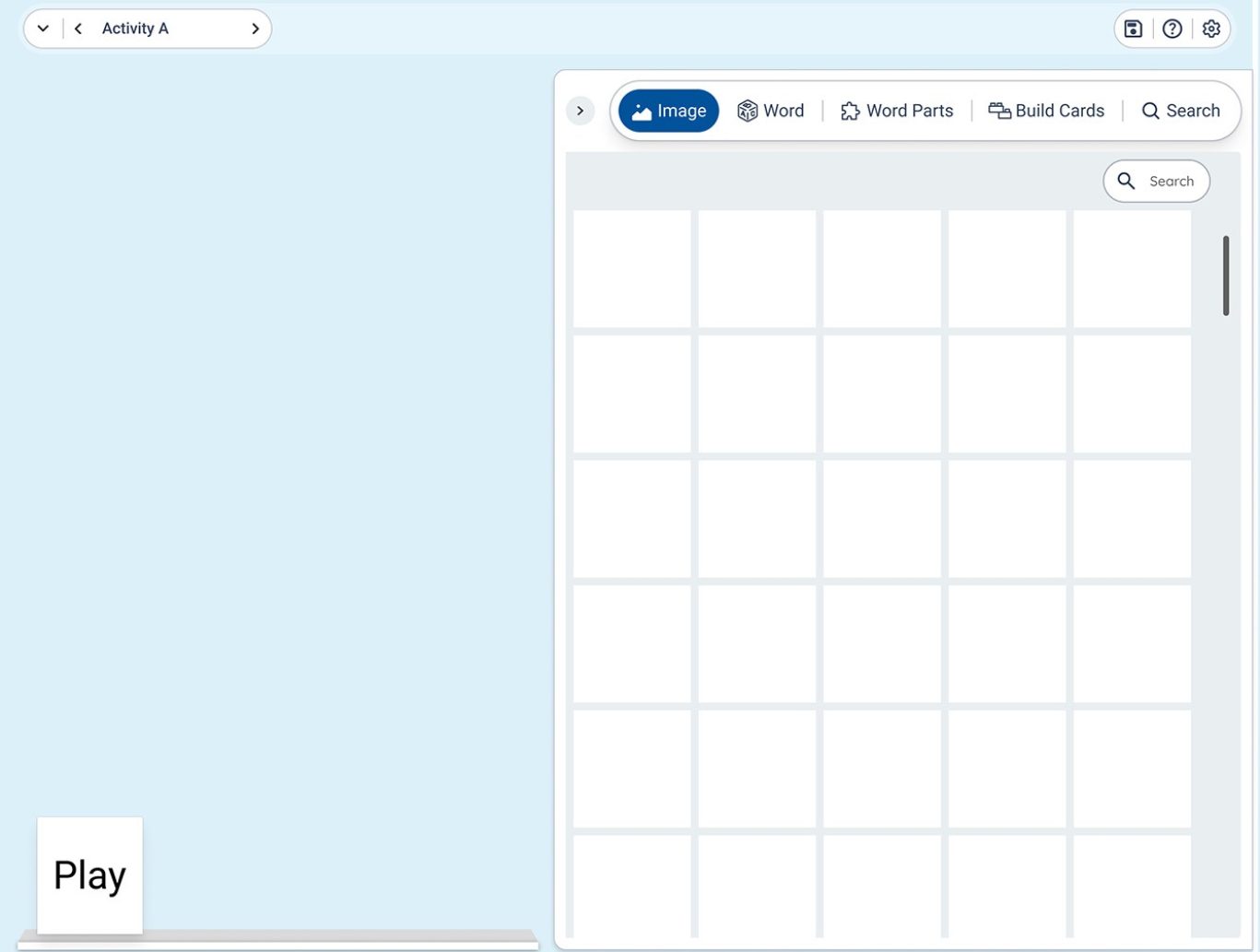
This design transforms the concept into an intuitive and efficient interface, enabling users to interact through multiple input modes. The layout reduces complexity while maintaining clarity, allowing users to complete tasks with minimal effort.

ePC Visuals

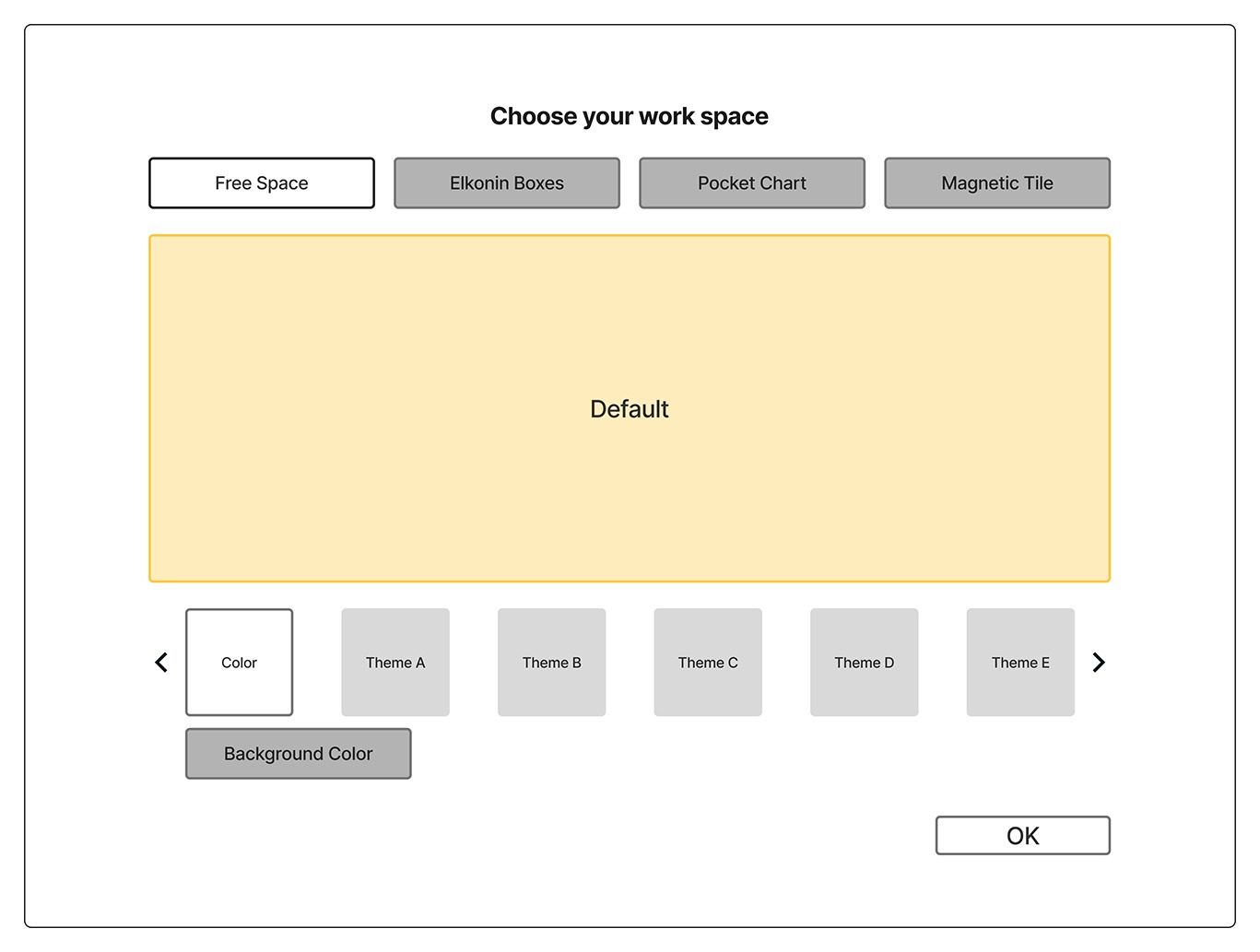
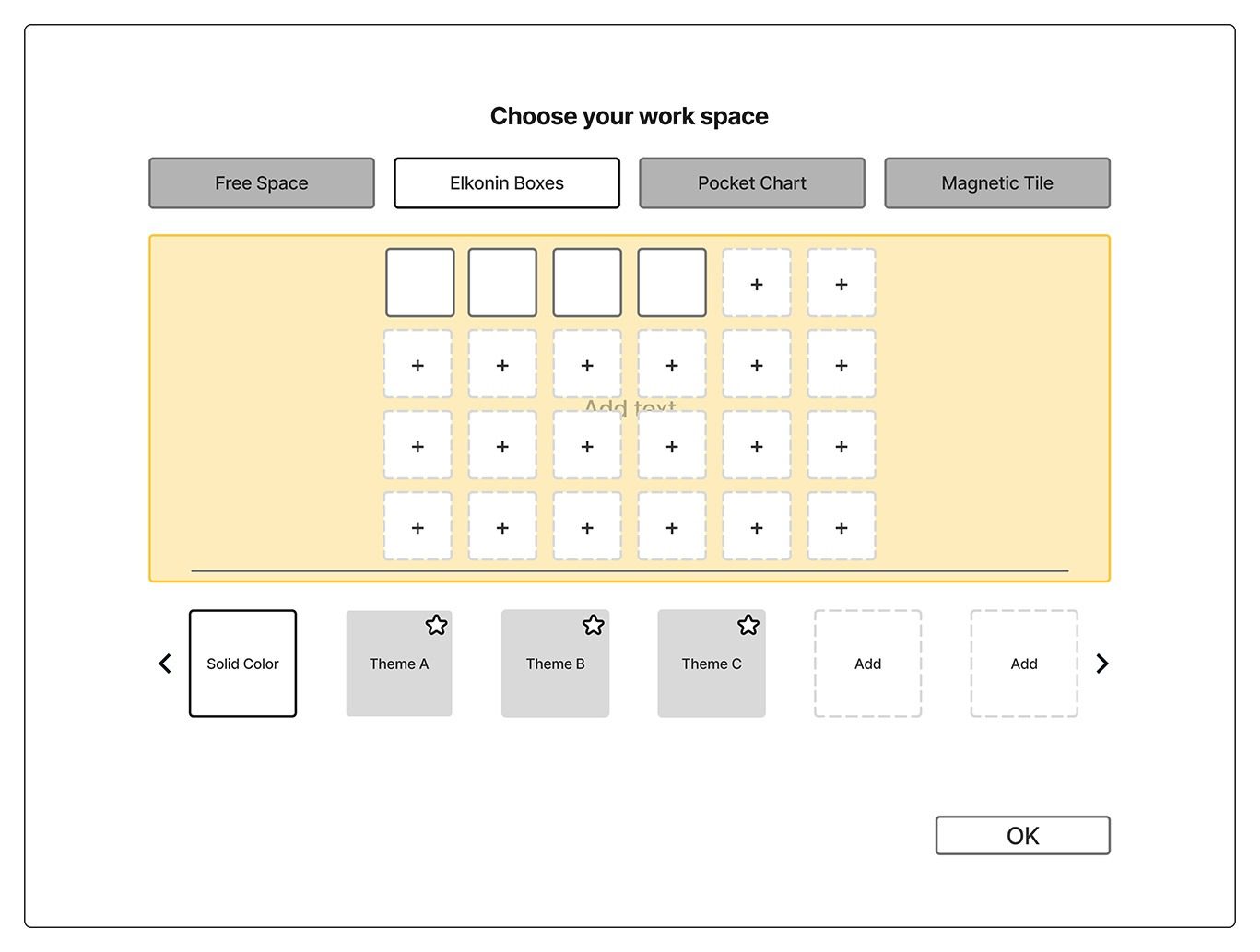
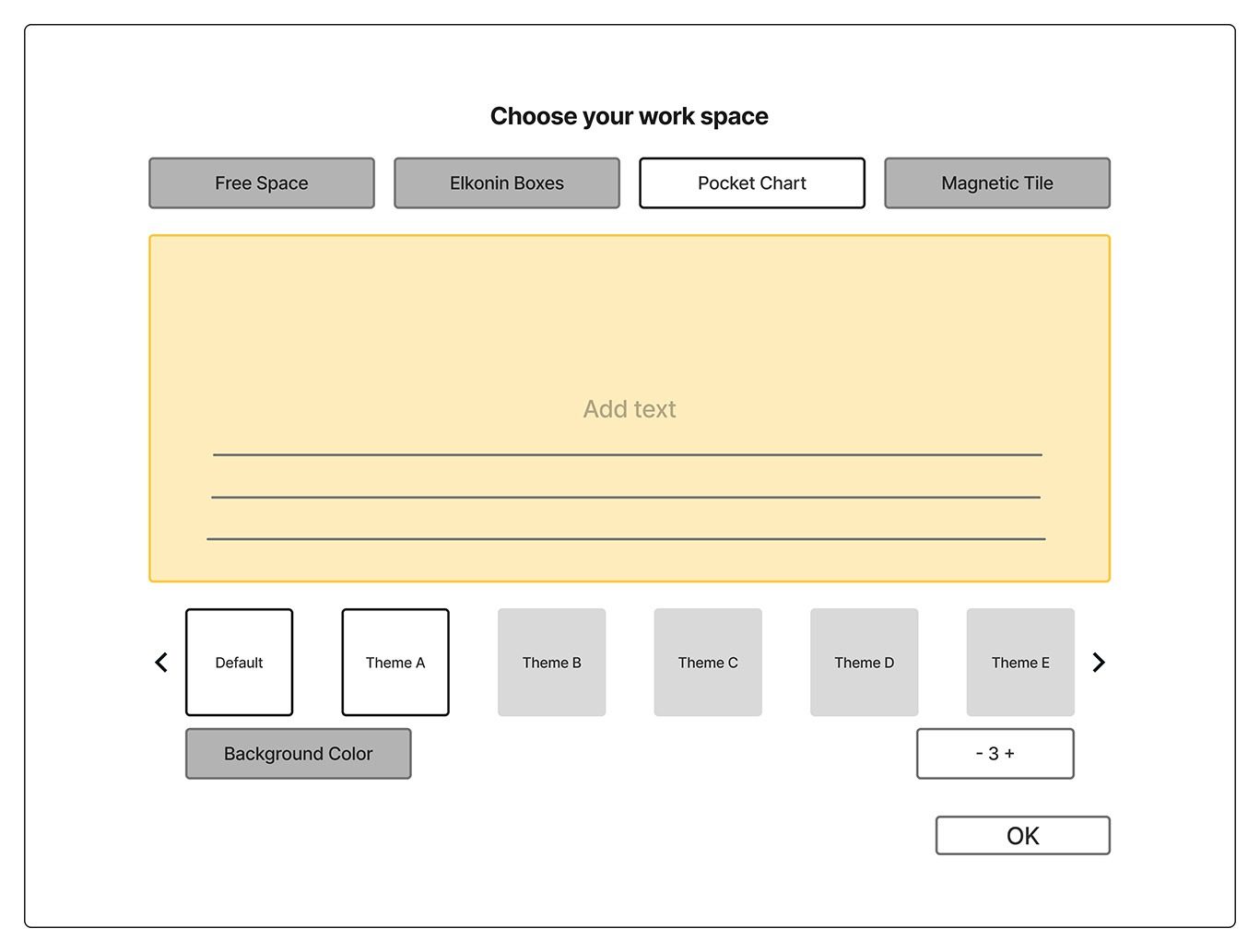
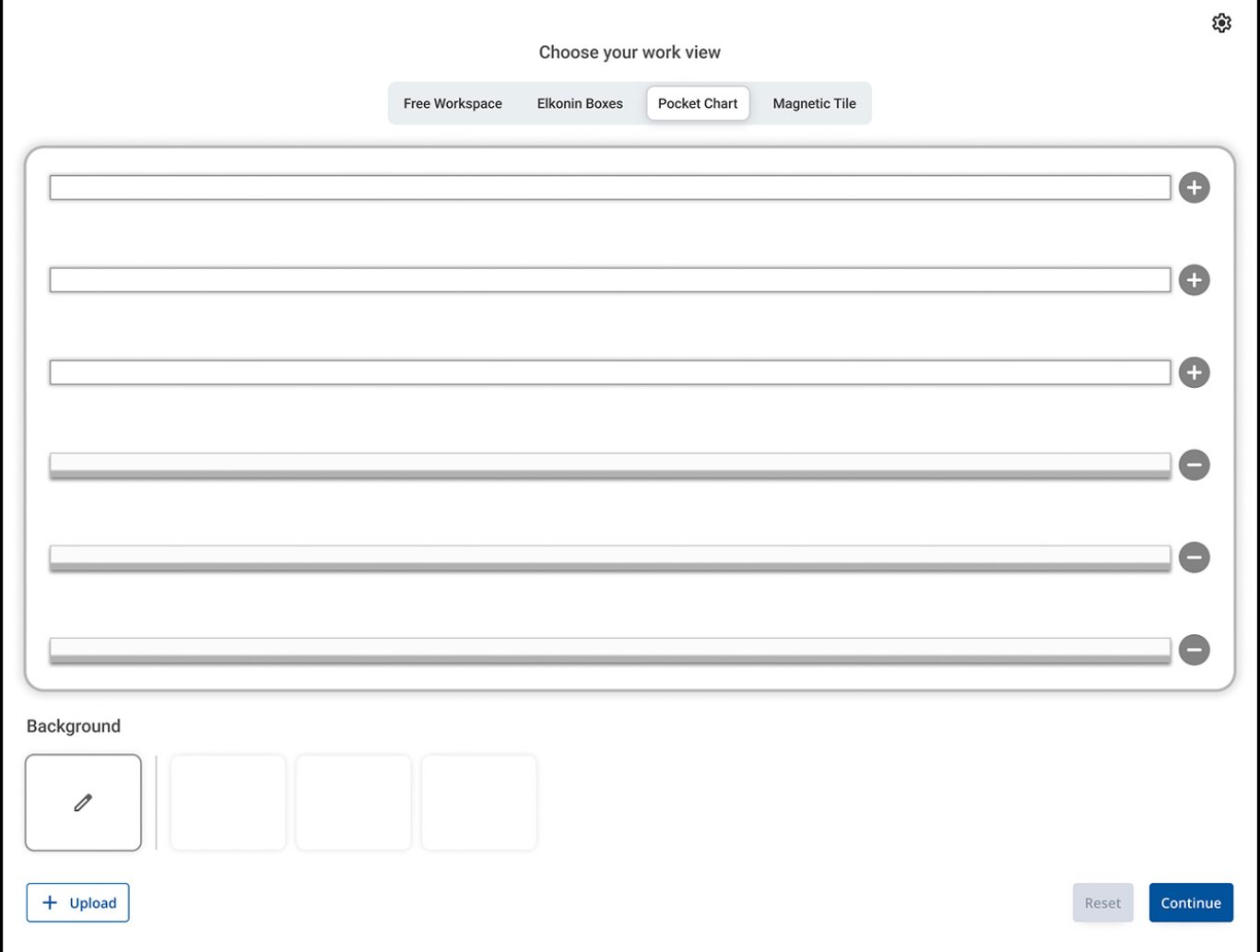
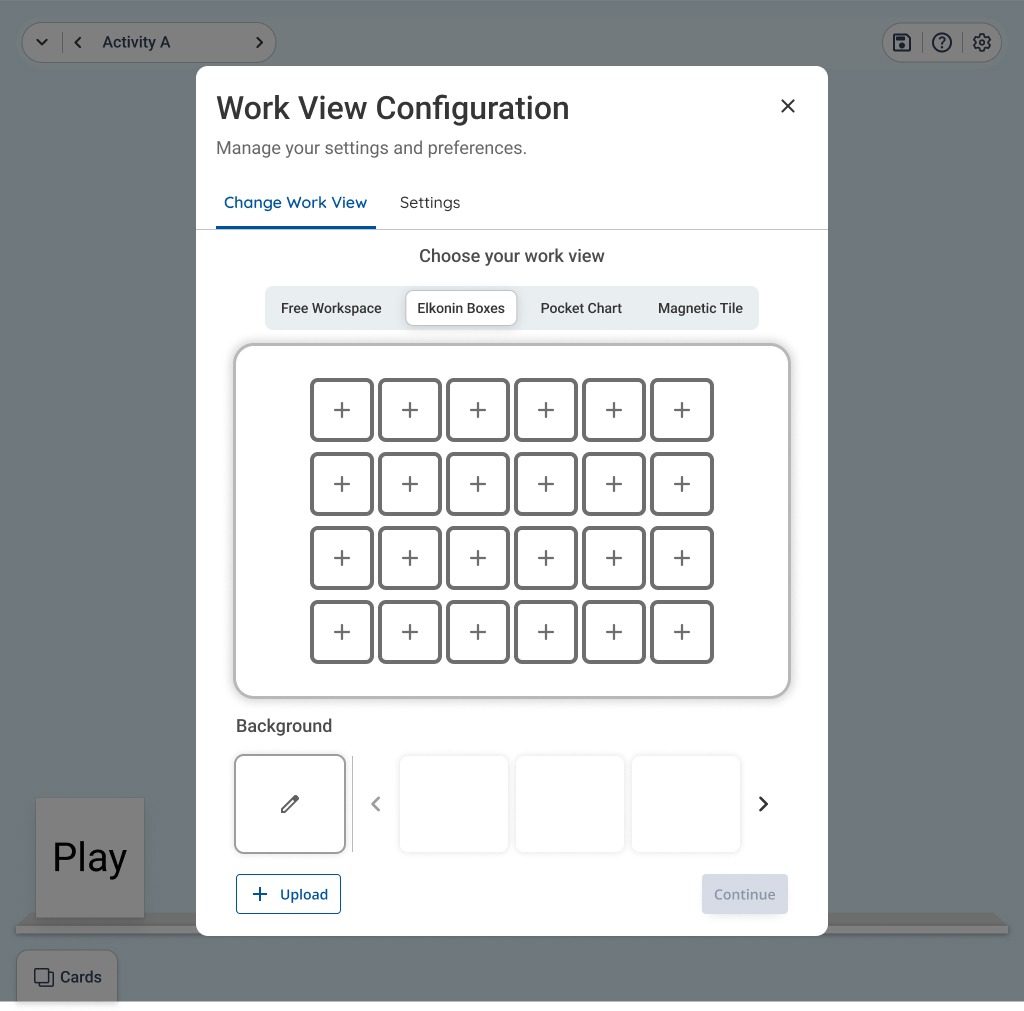
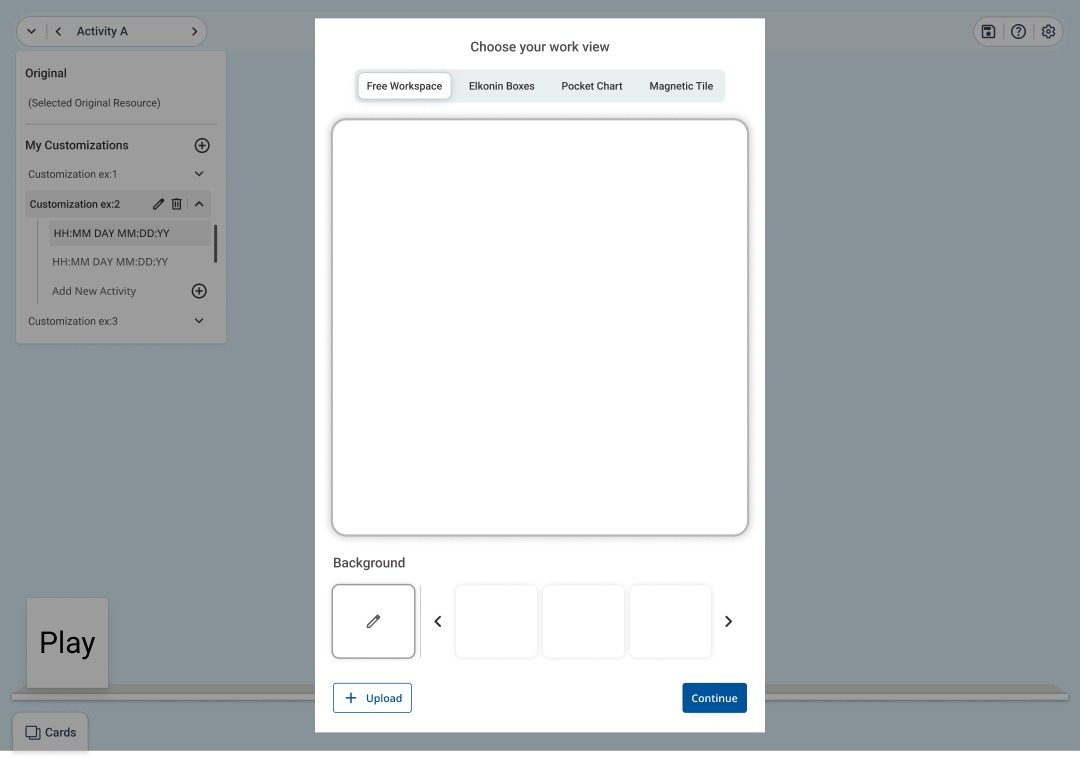
Selection State

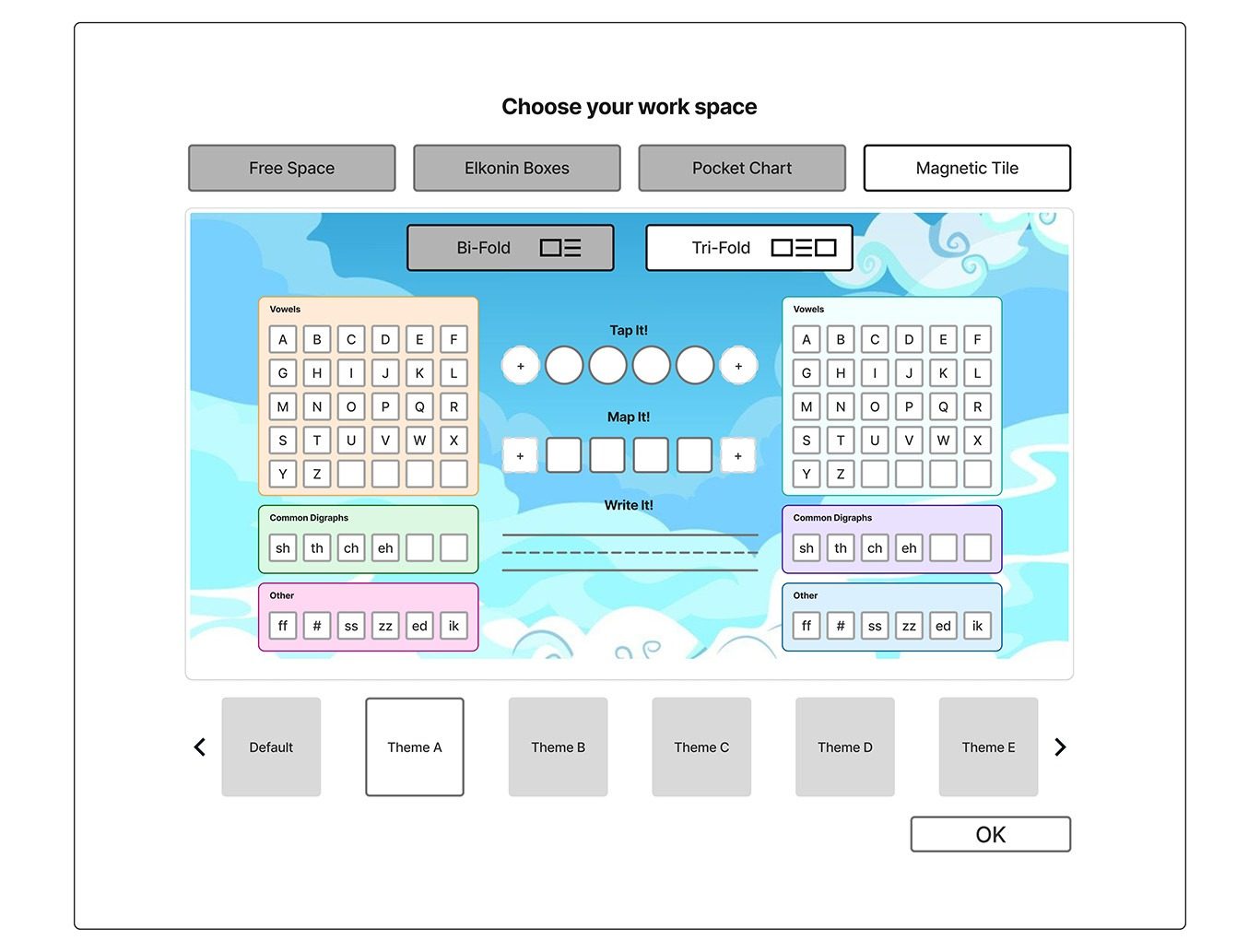
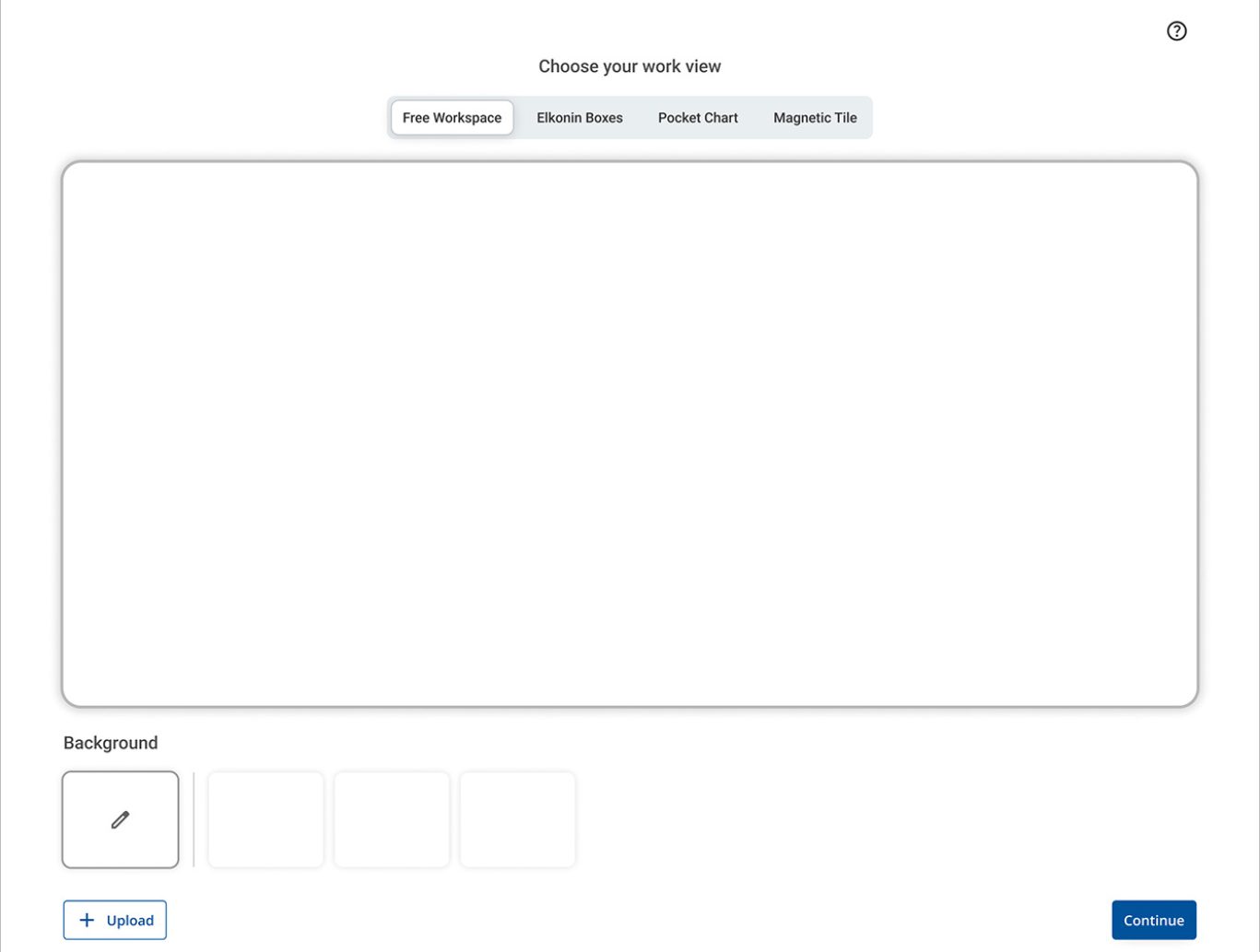
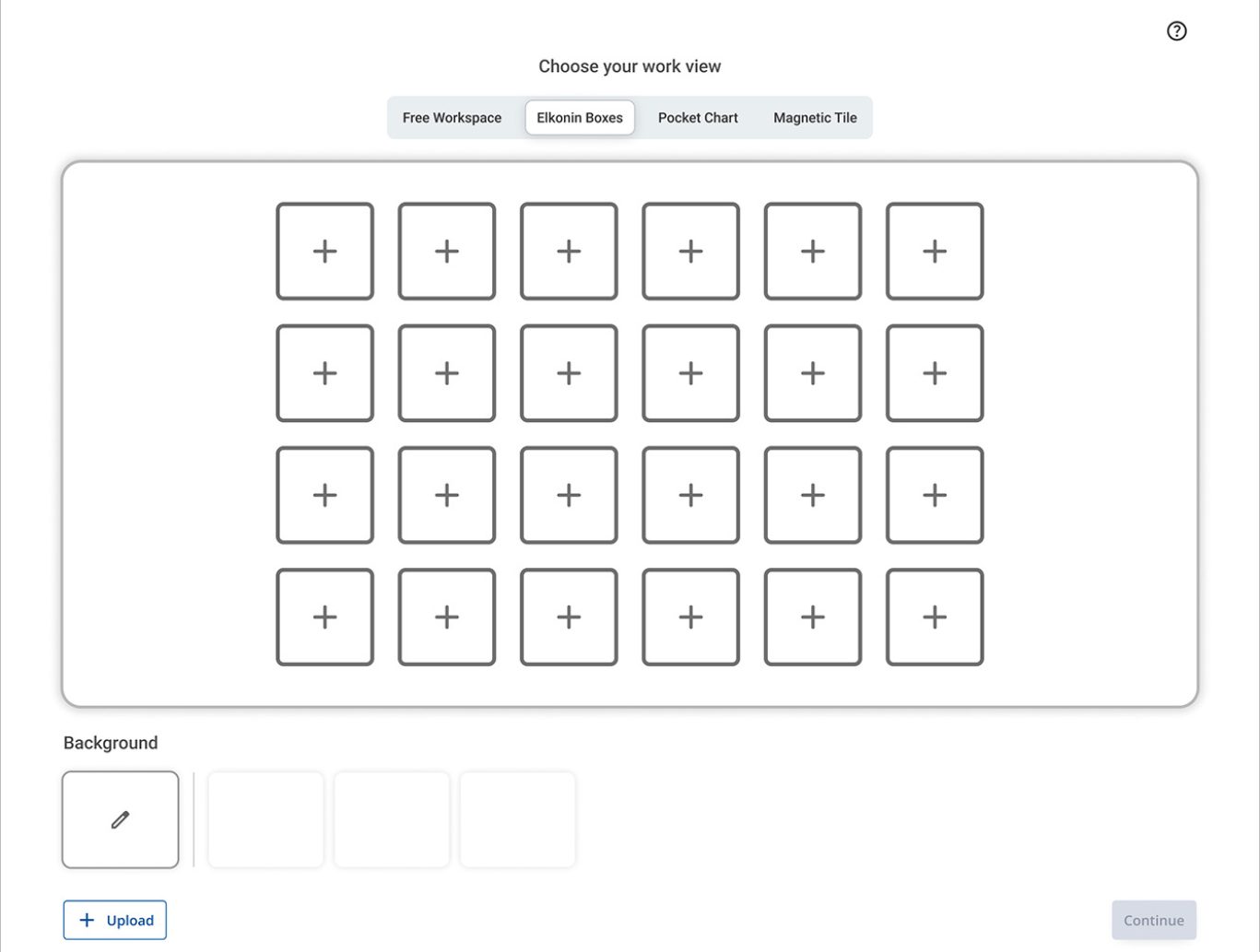
Users can easily select from four different workspace modes, each designed to support a specific type of interaction. The layout highlights each option clearly, enabling quick and confident decision-making.

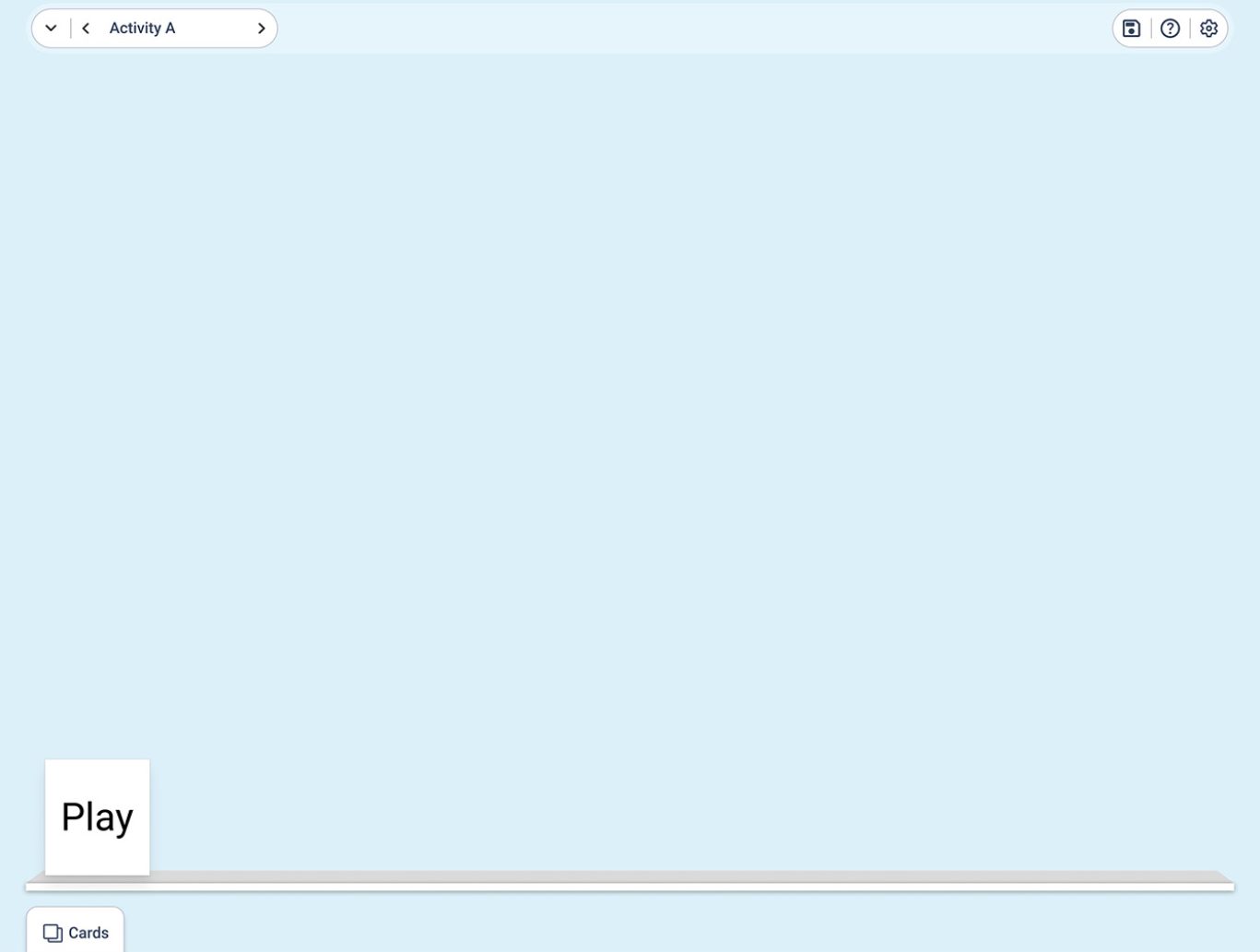
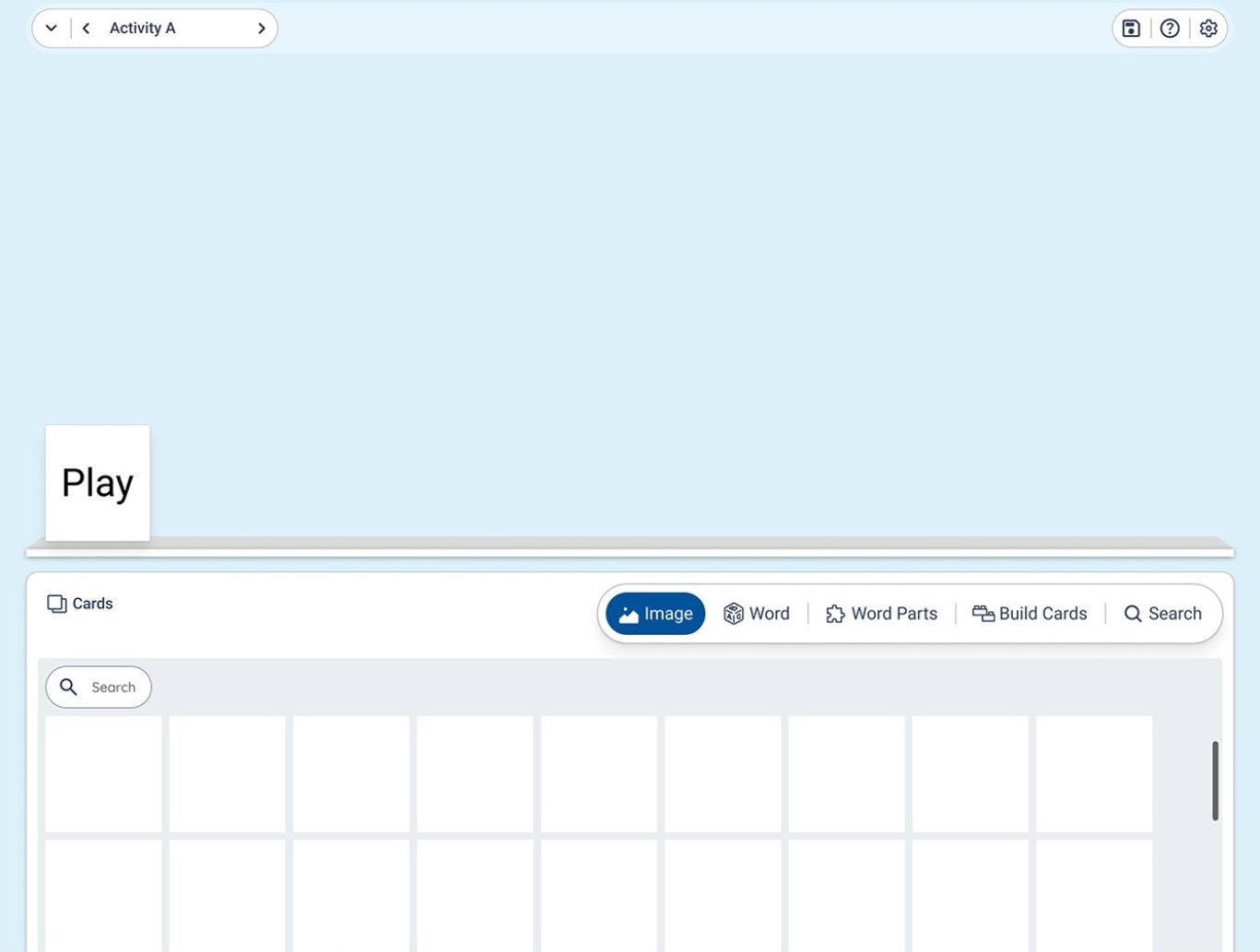
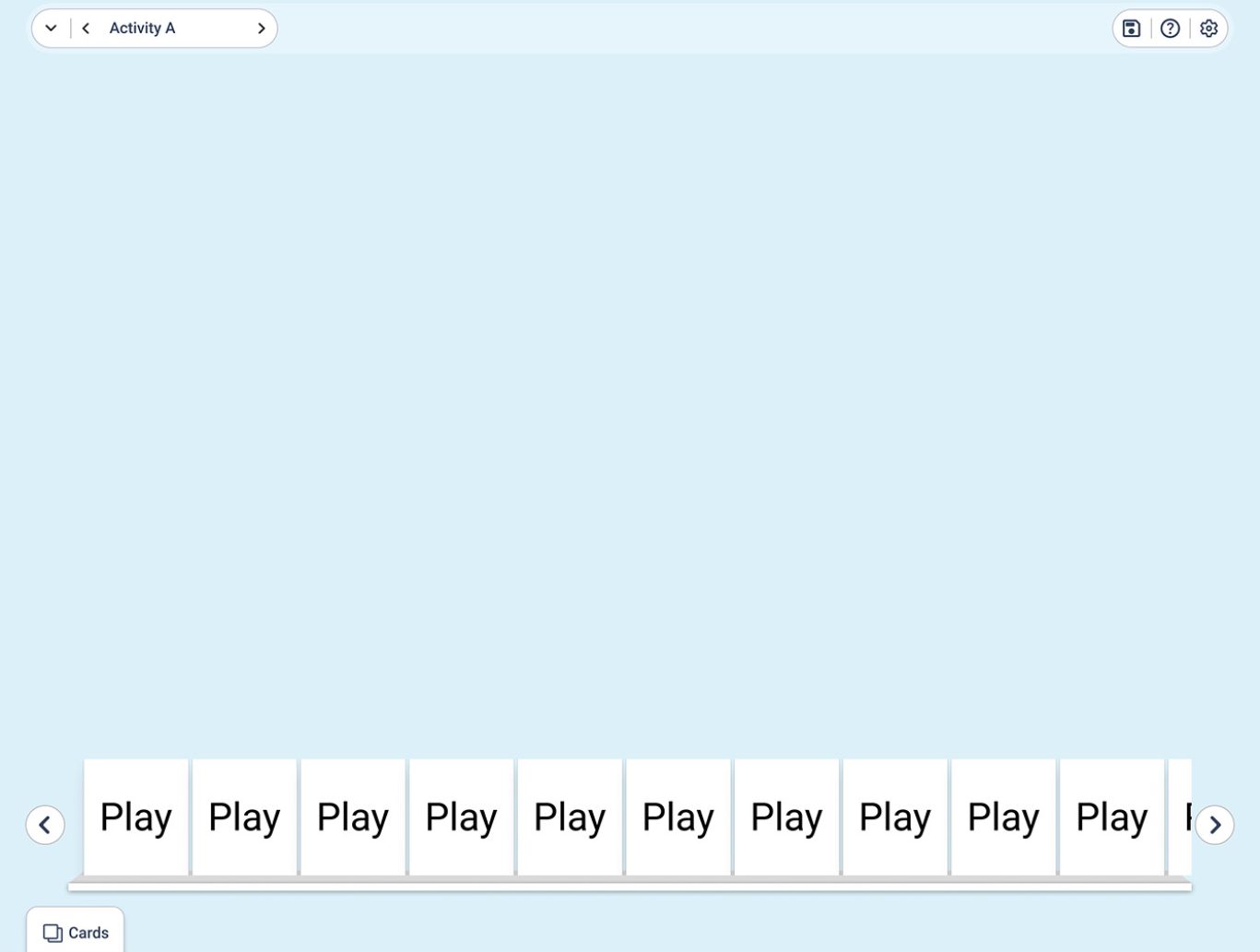
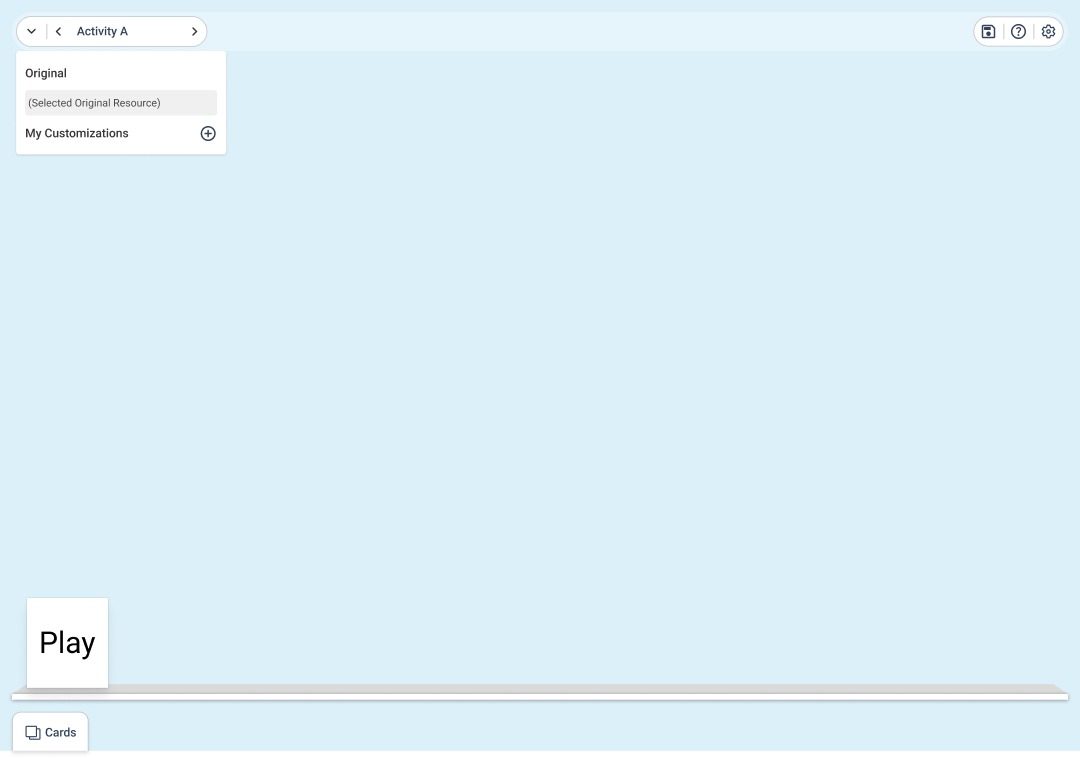
Student Activity Workspace

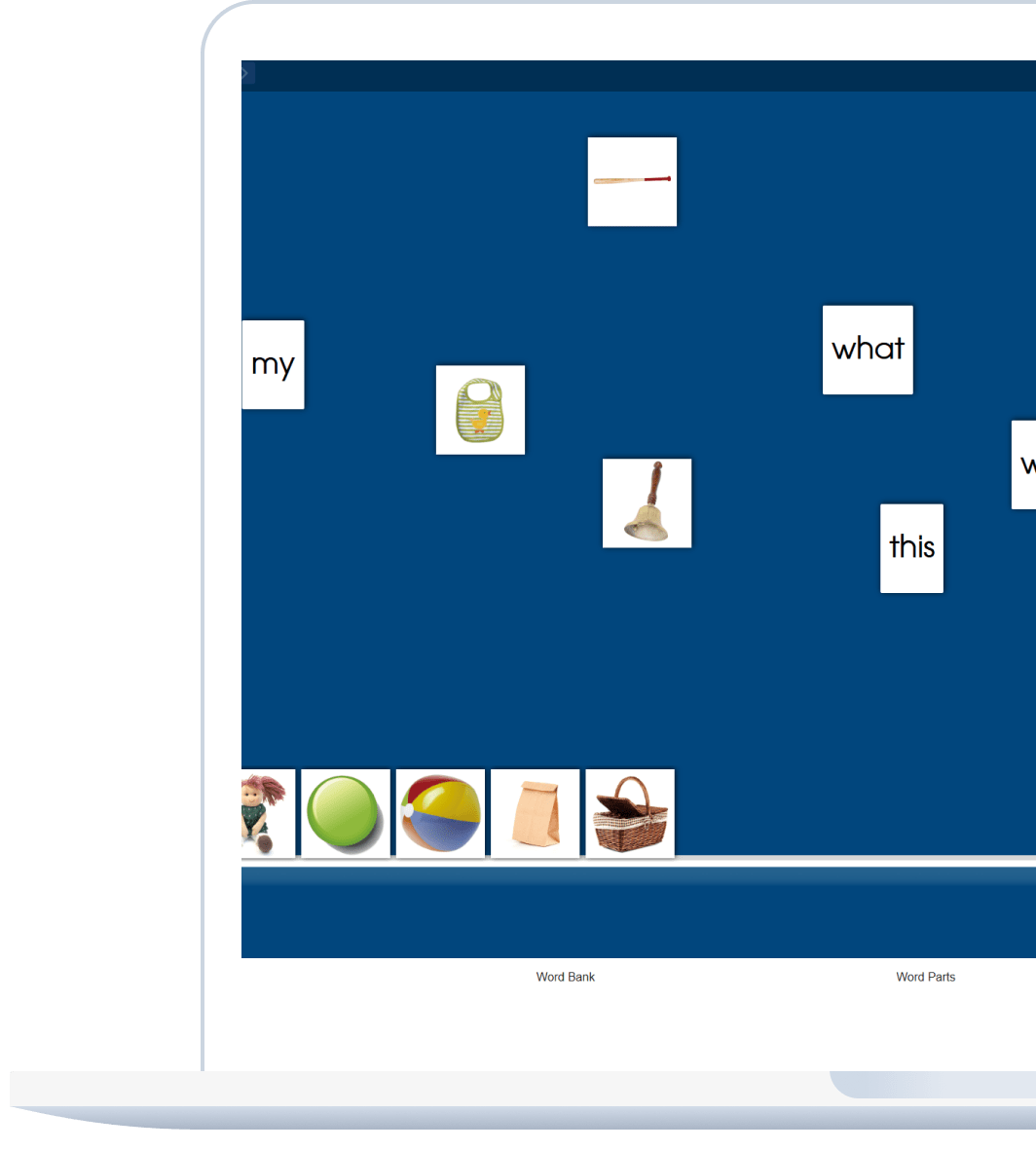
The workspace enables students to complete assigned tasks within a clear and organized interface. By balancing interaction space with accessible learning tools, the design ensures smooth task completion and sustained focus.

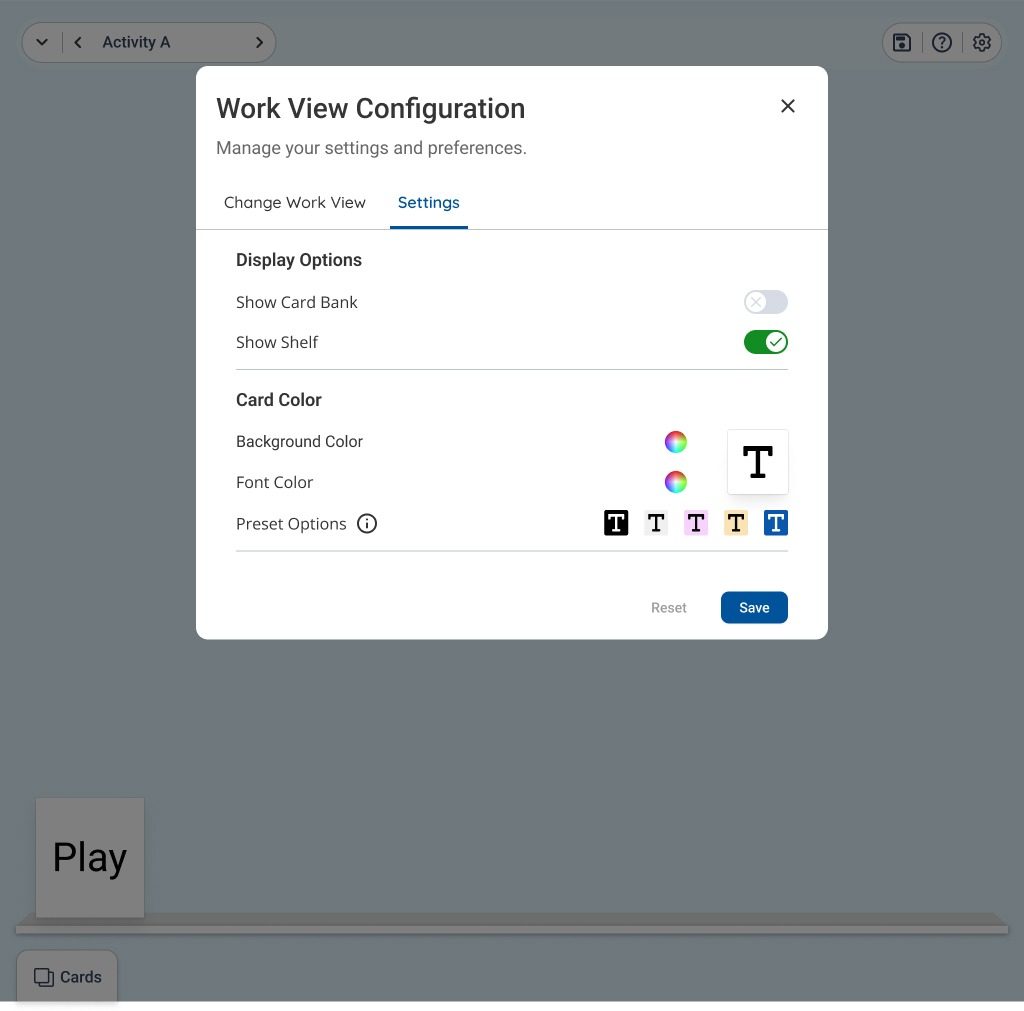
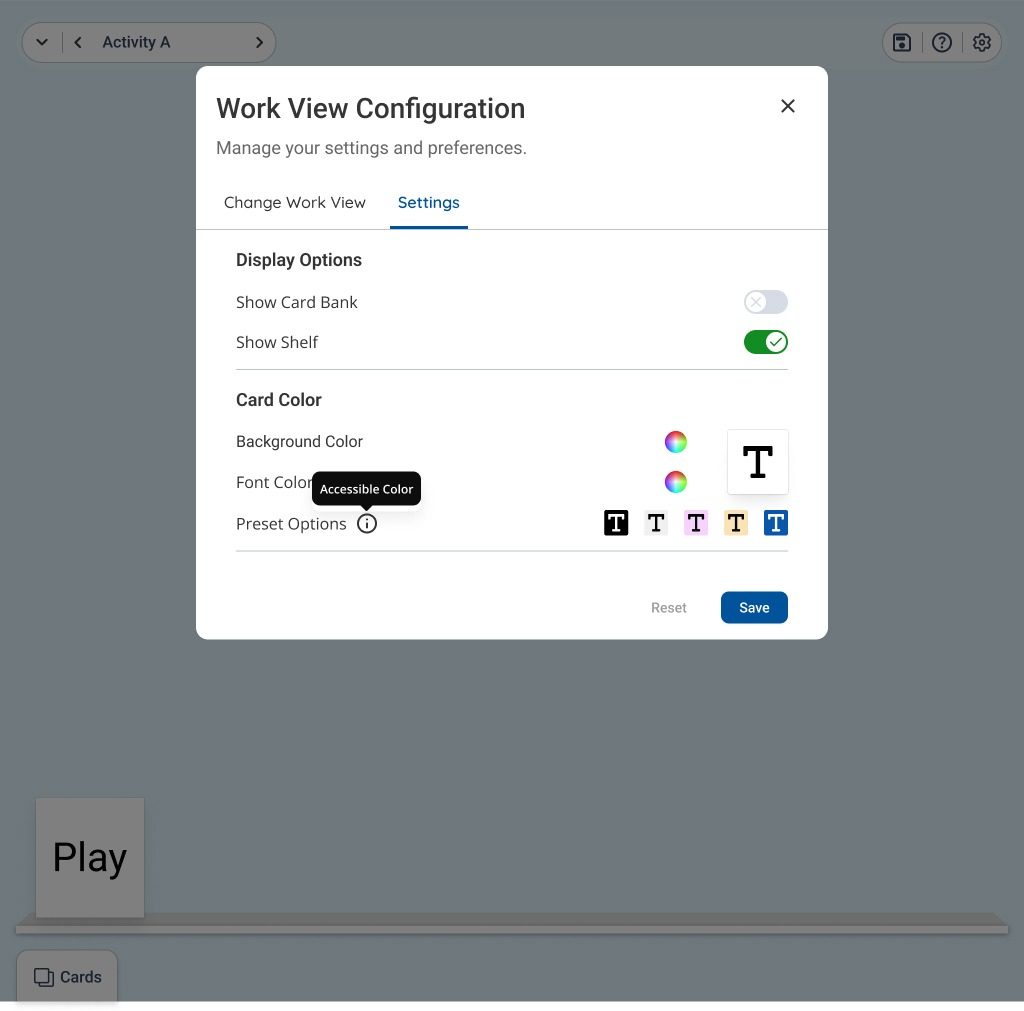
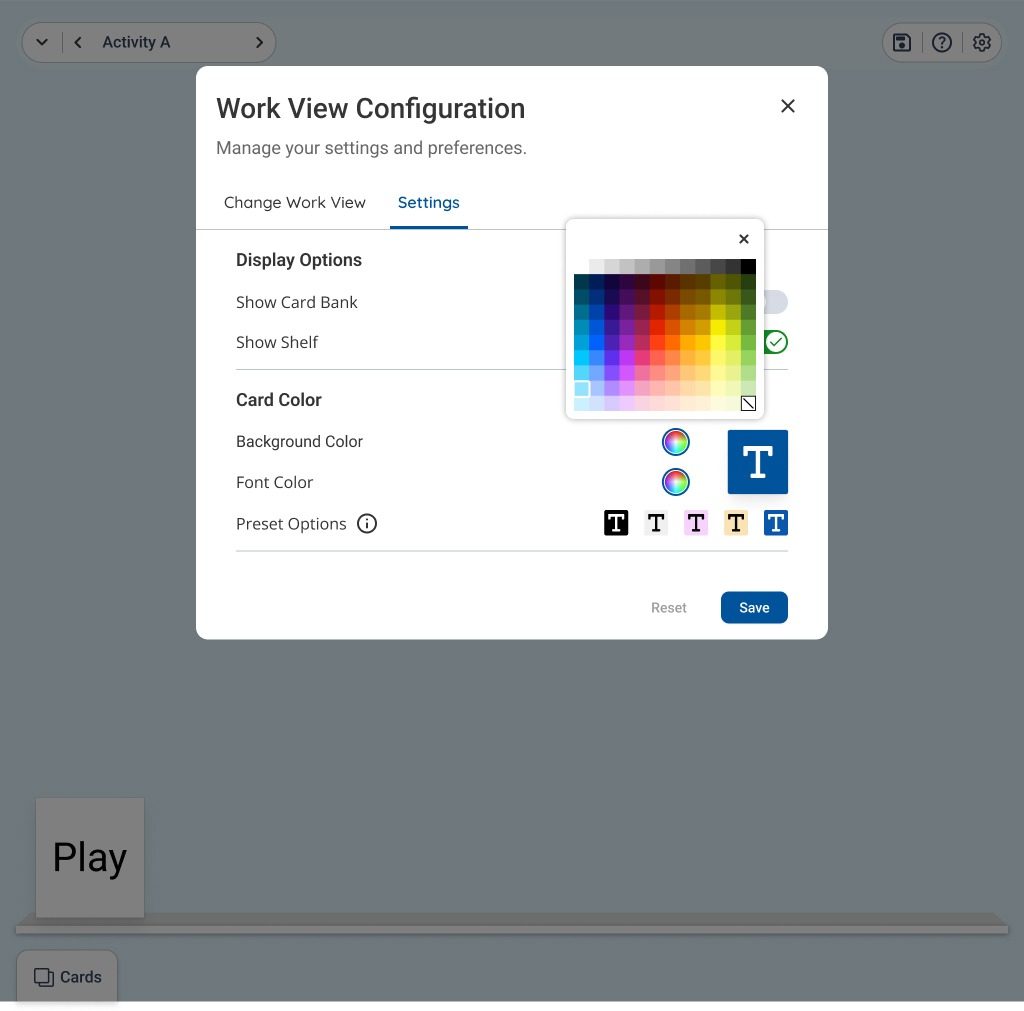
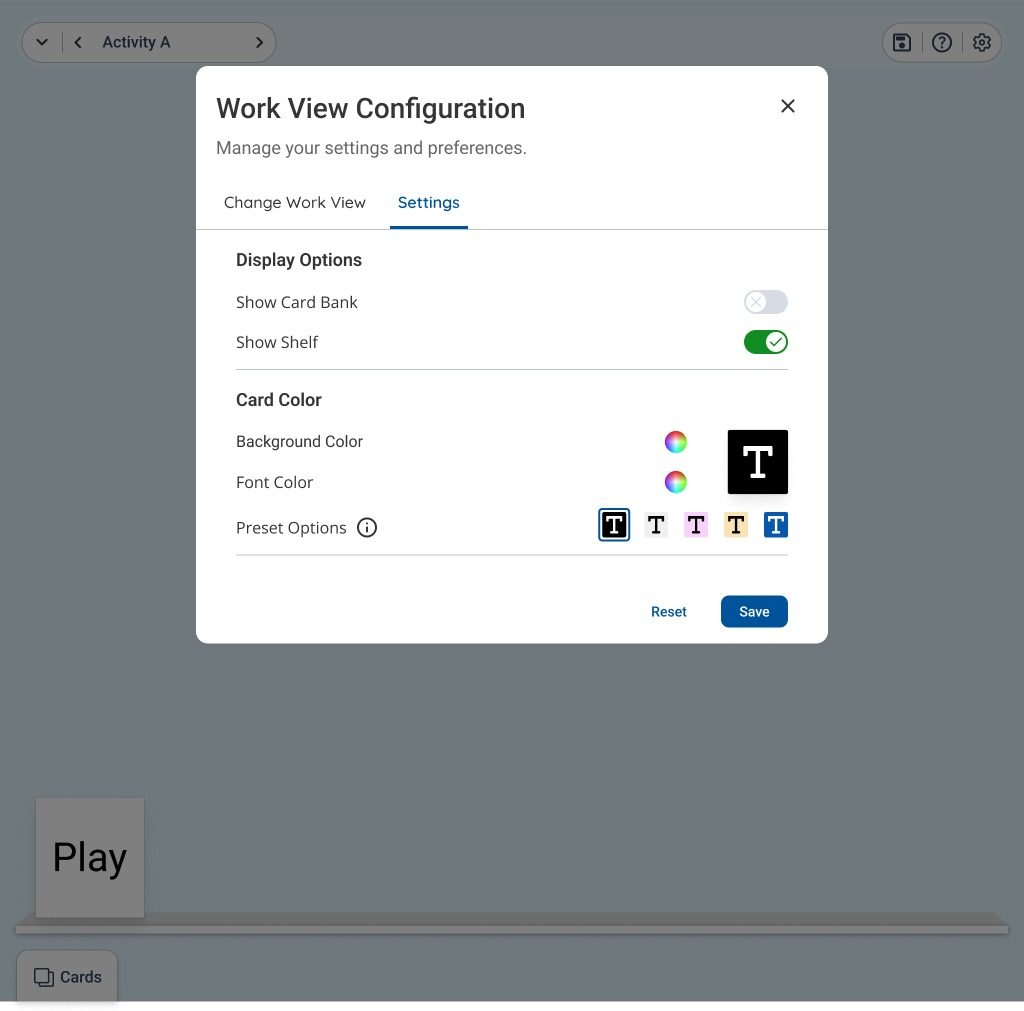
Workspace Settings

Users can adjust workspace settings to suit their needs, including toggling display elements and personalizing card styles. The design ensures quick access to essential controls without disrupting the main workflow.

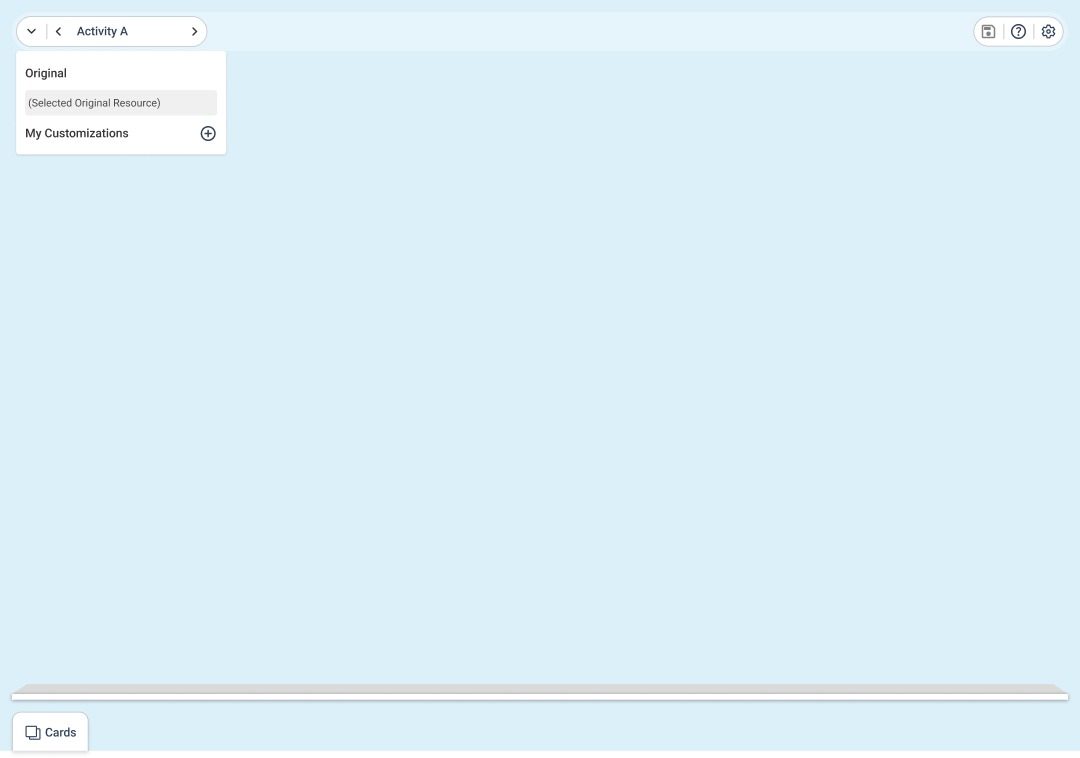
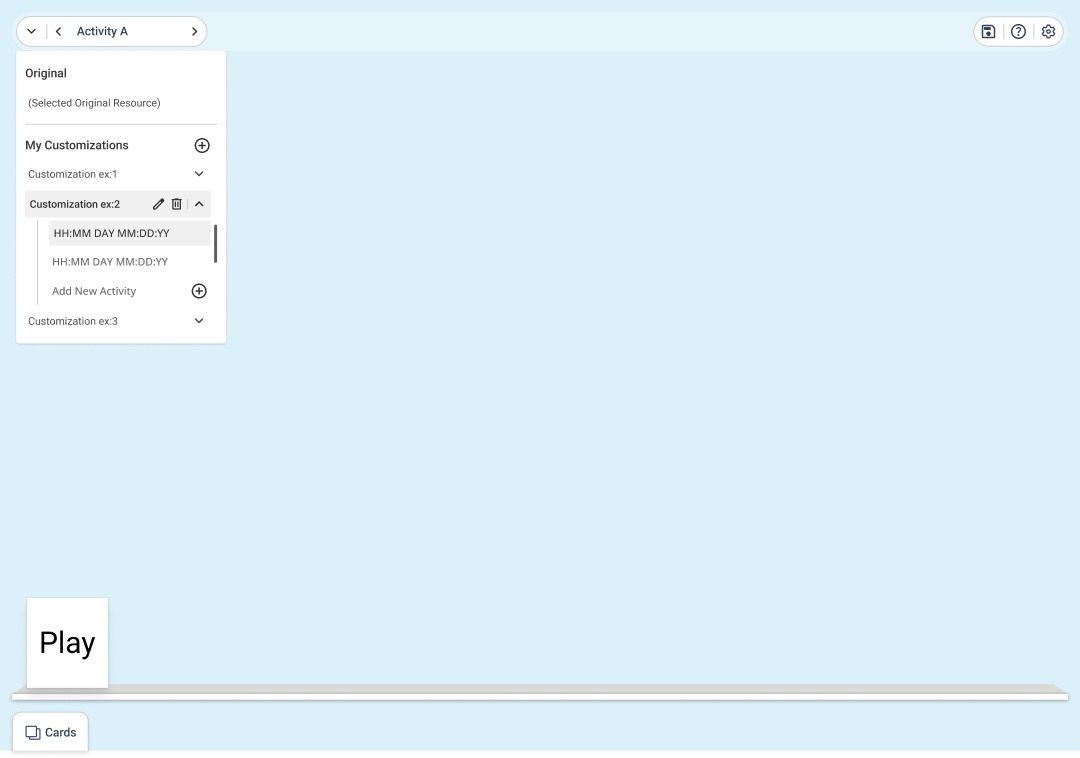
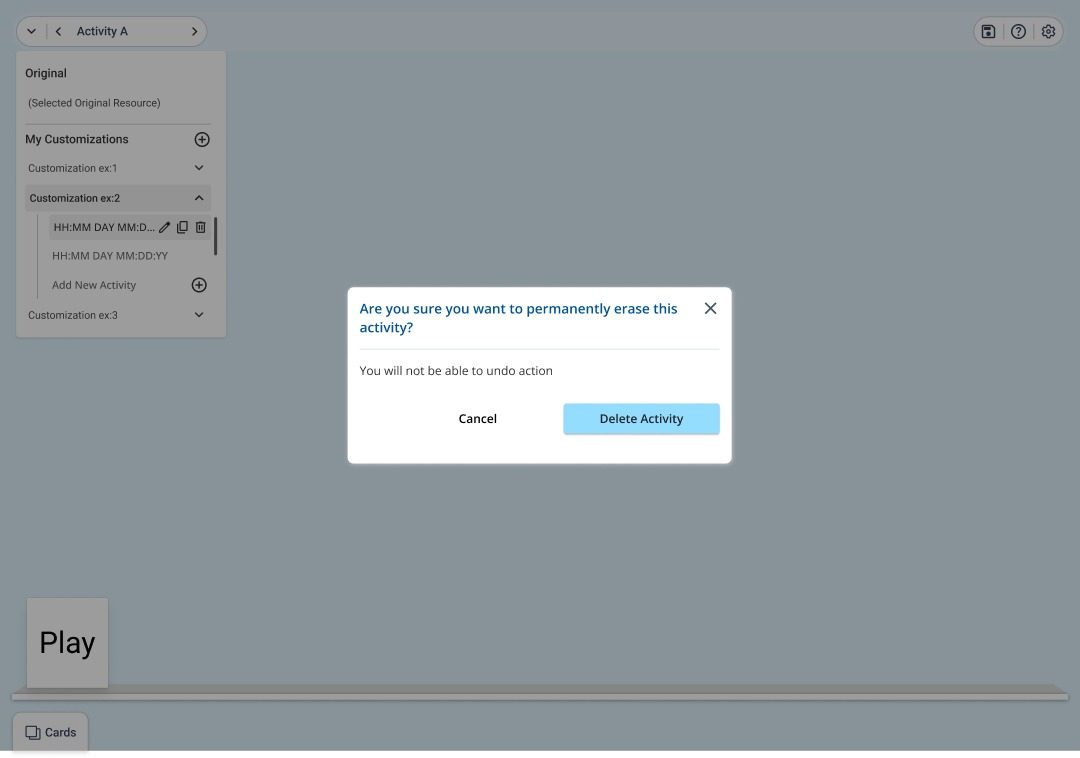
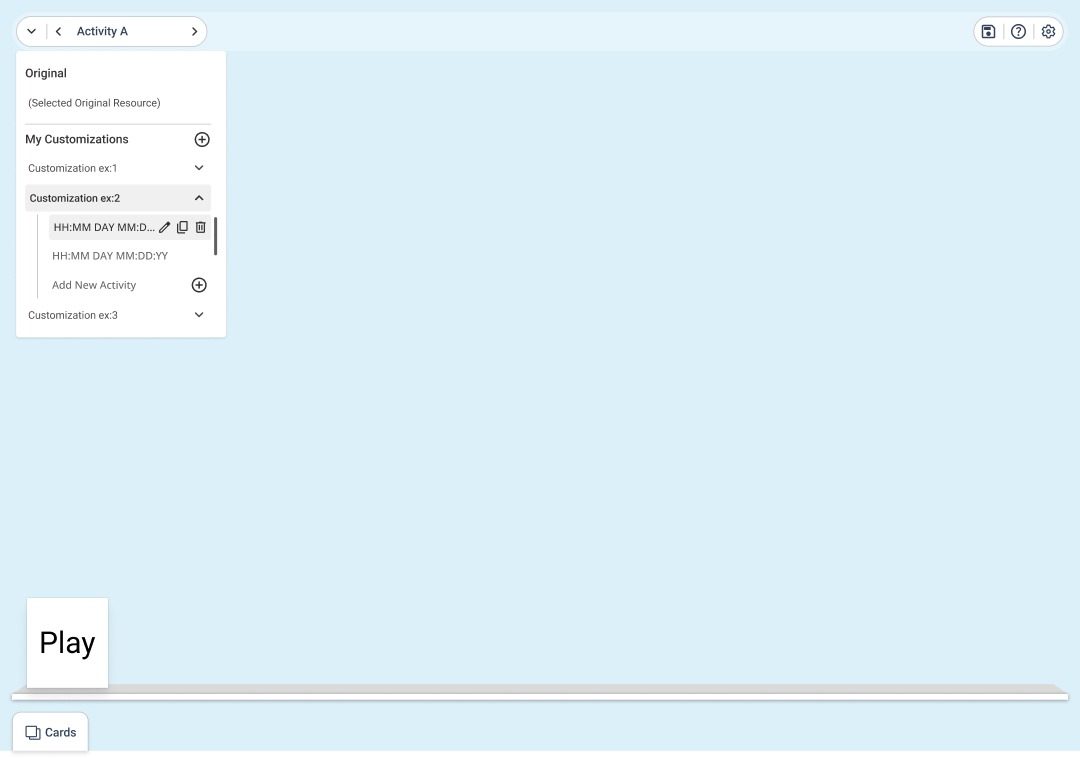
Managing Activities & Customizations

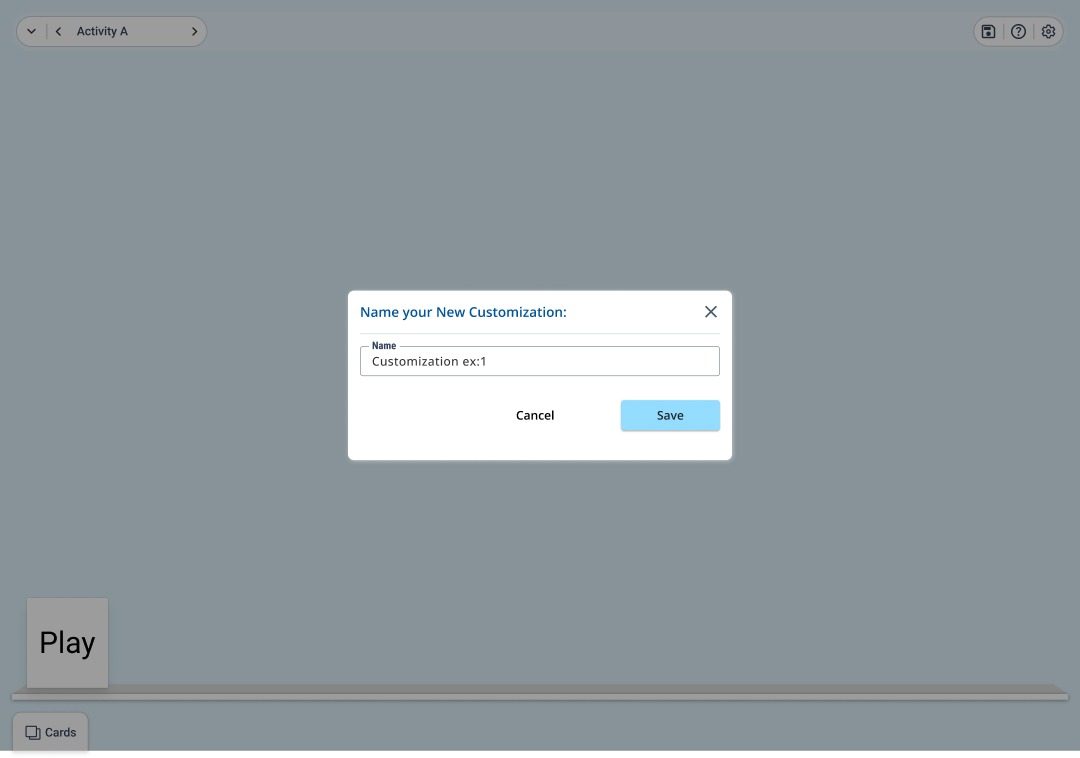
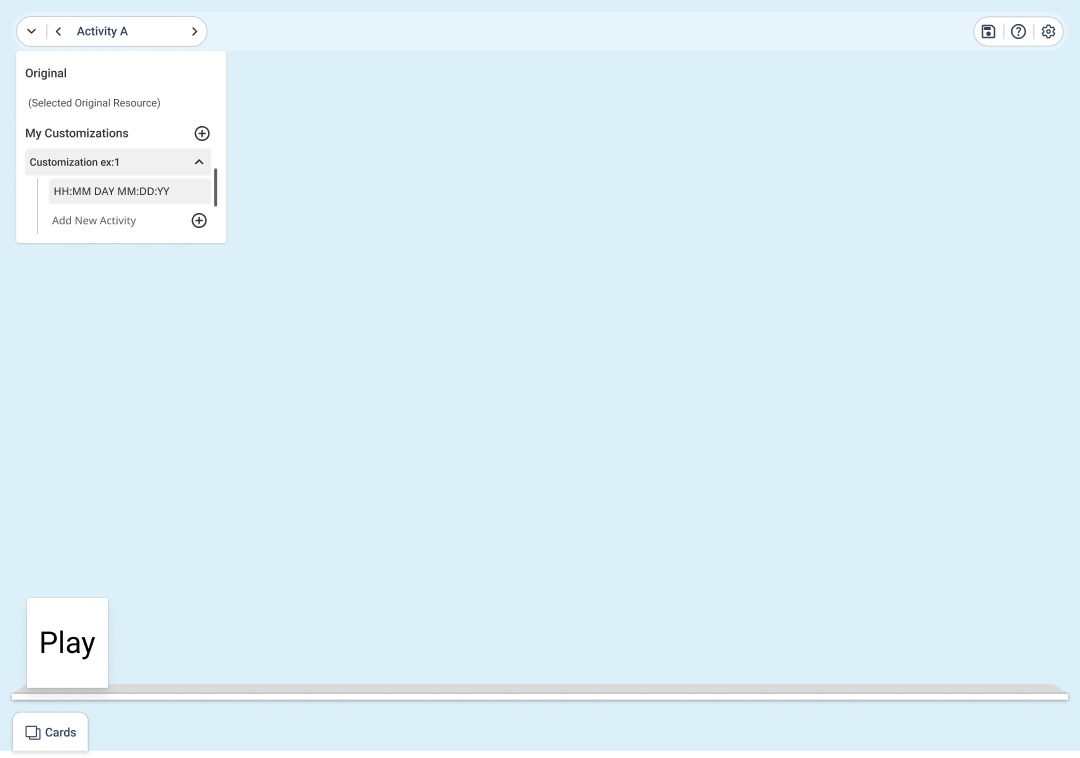
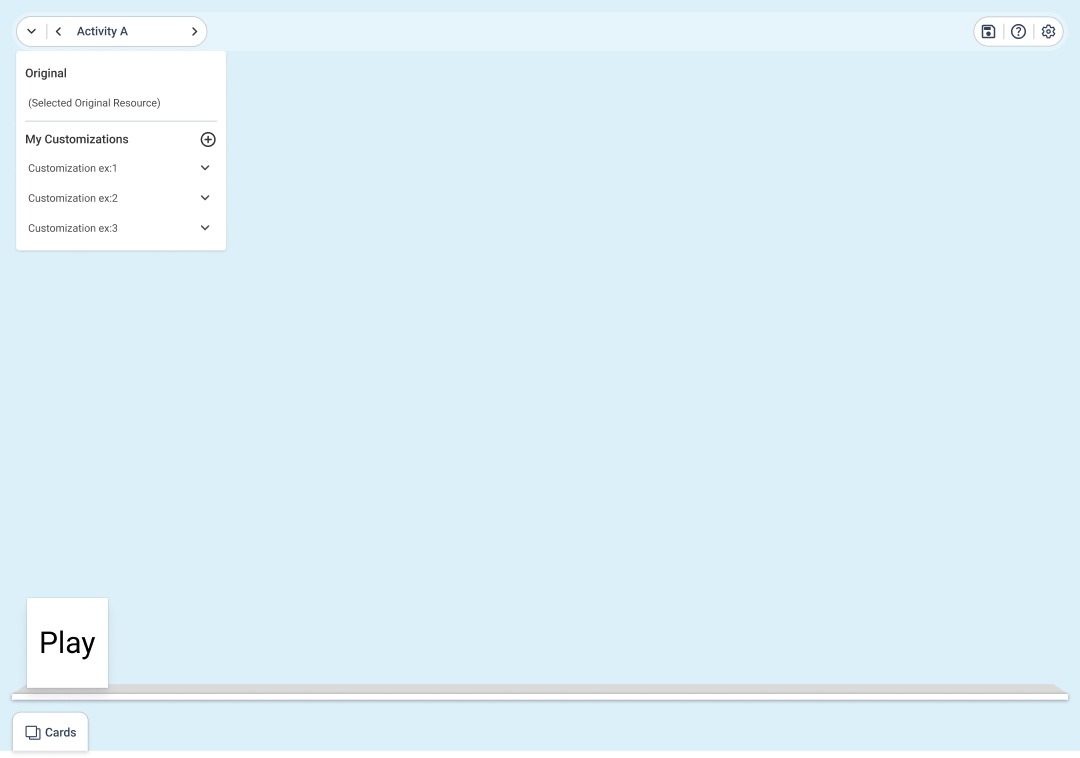
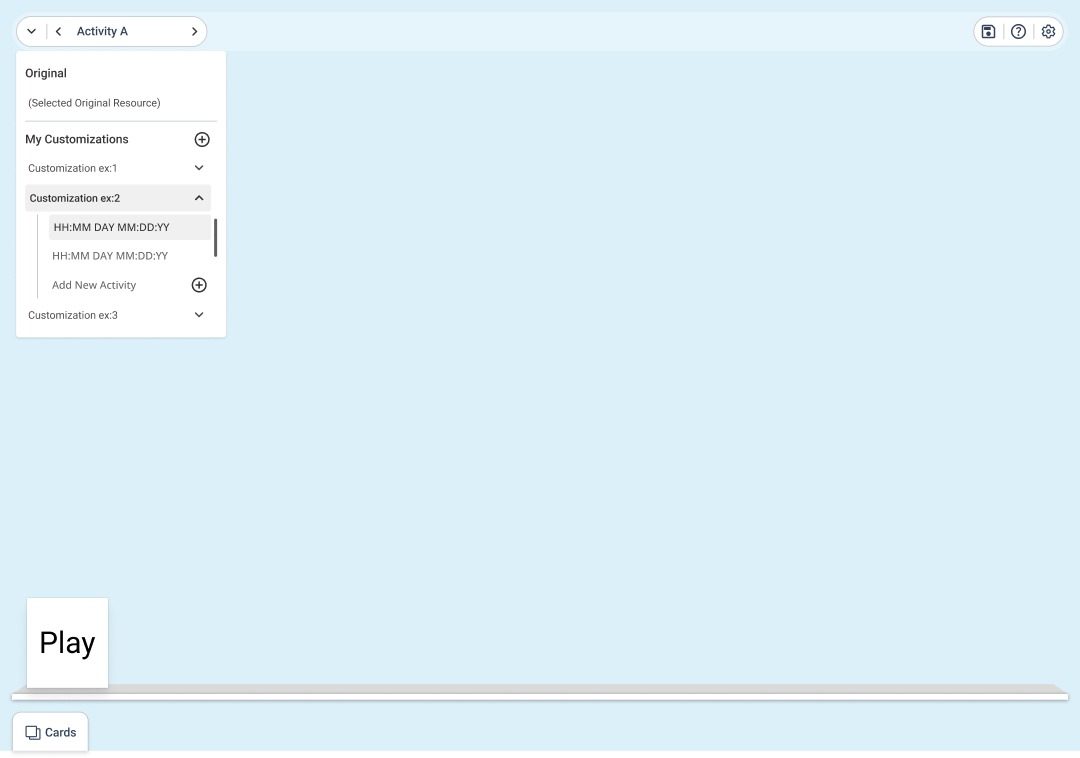
Users can efficiently organize their work by adding new activities and customizing them as needed. The dropdown interaction enables quick actions such as edit, duplicate, and delete, ensuring smooth and flexible workflow management.

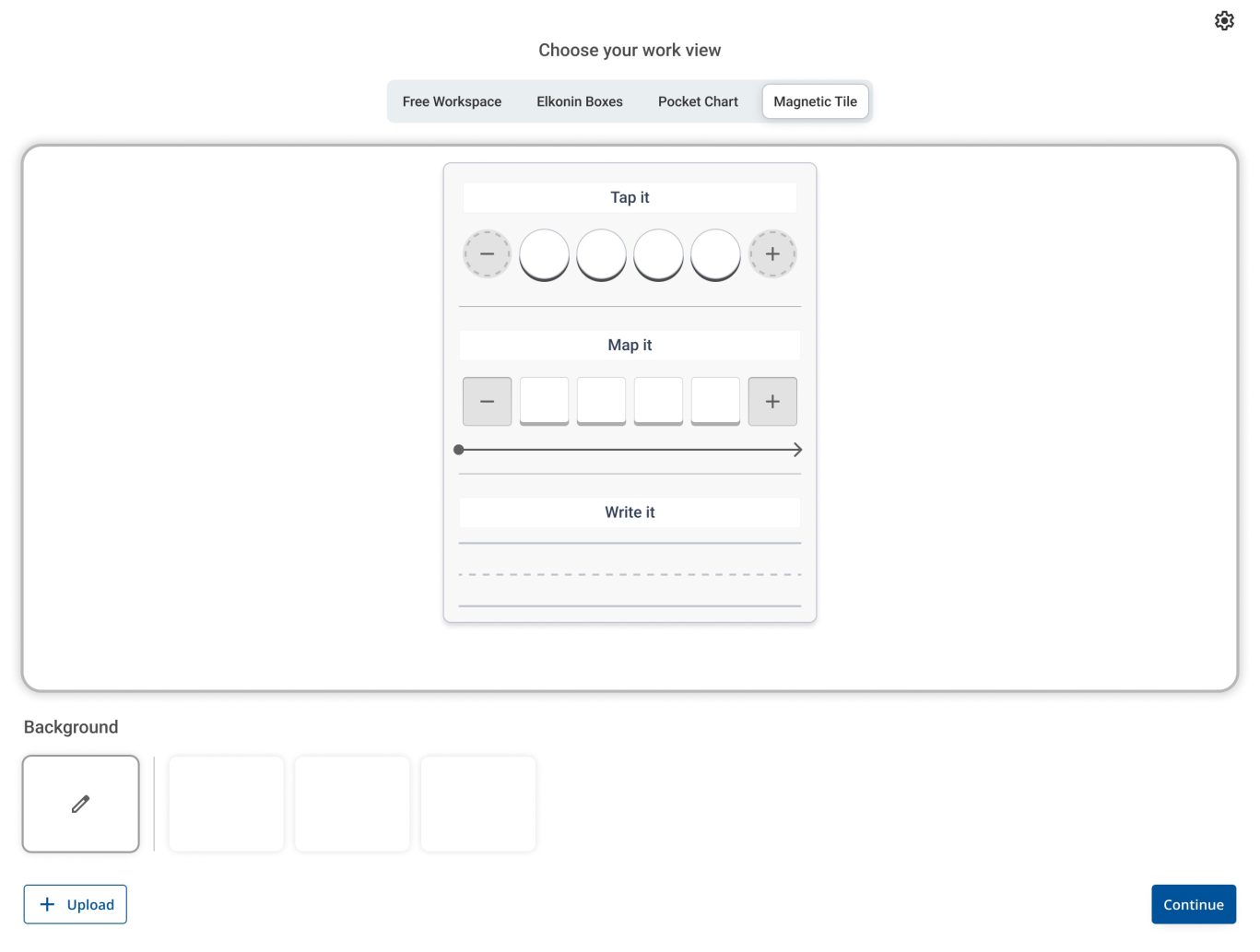
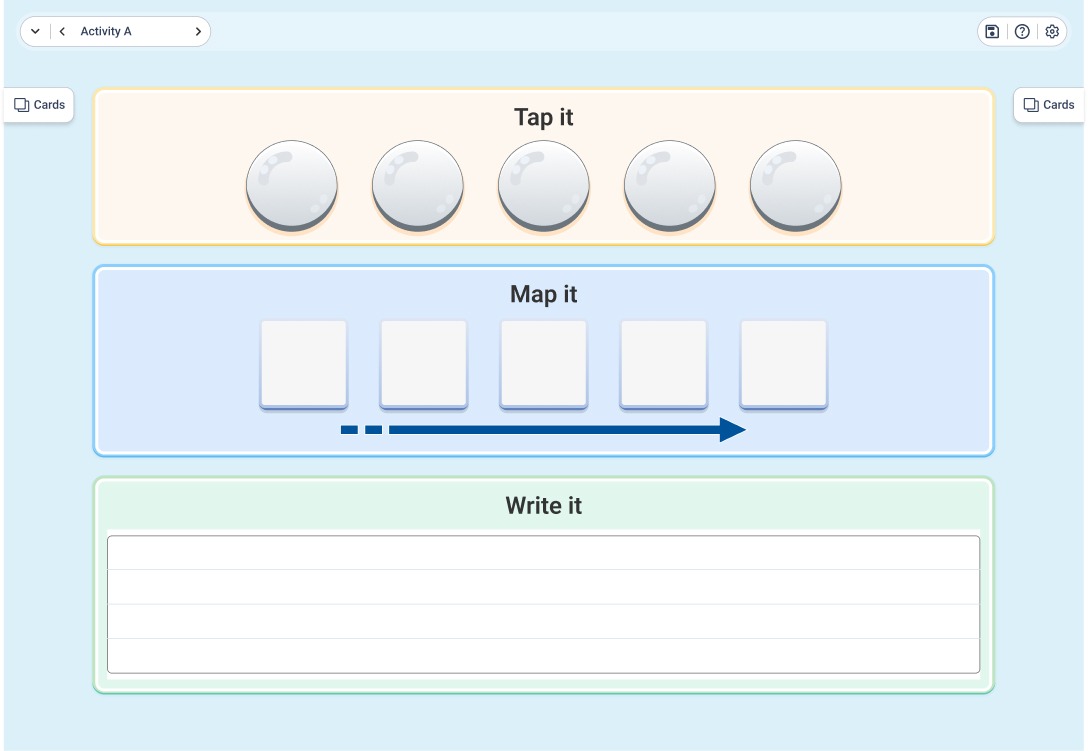
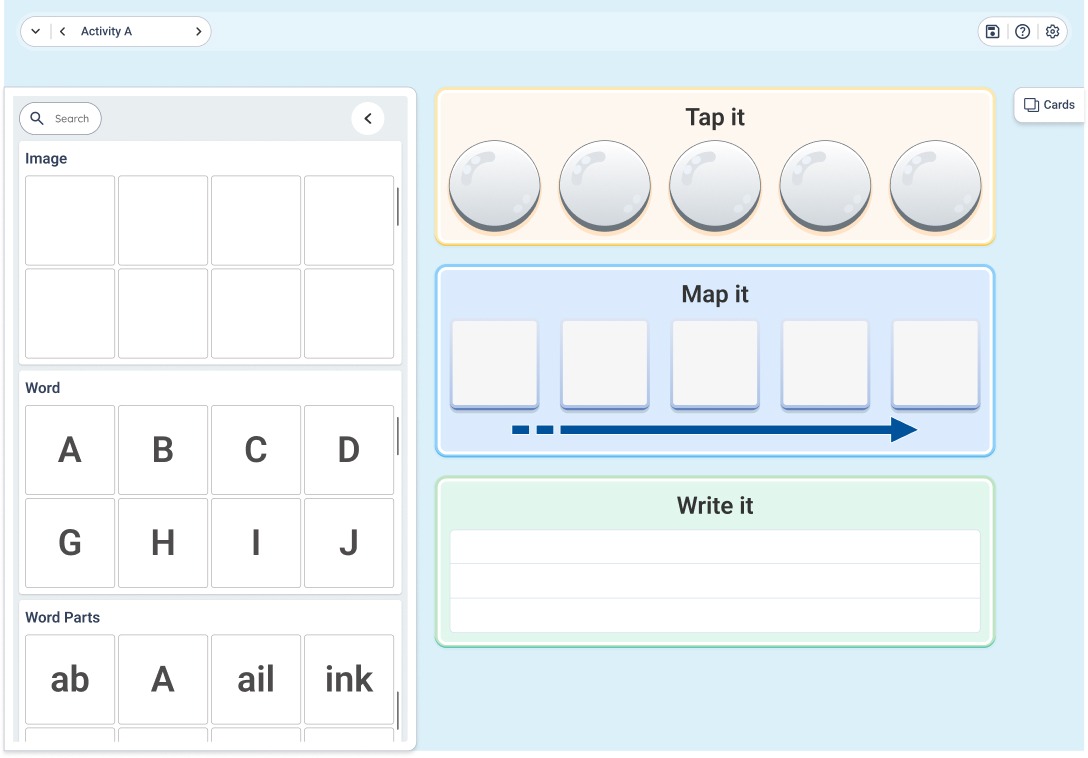
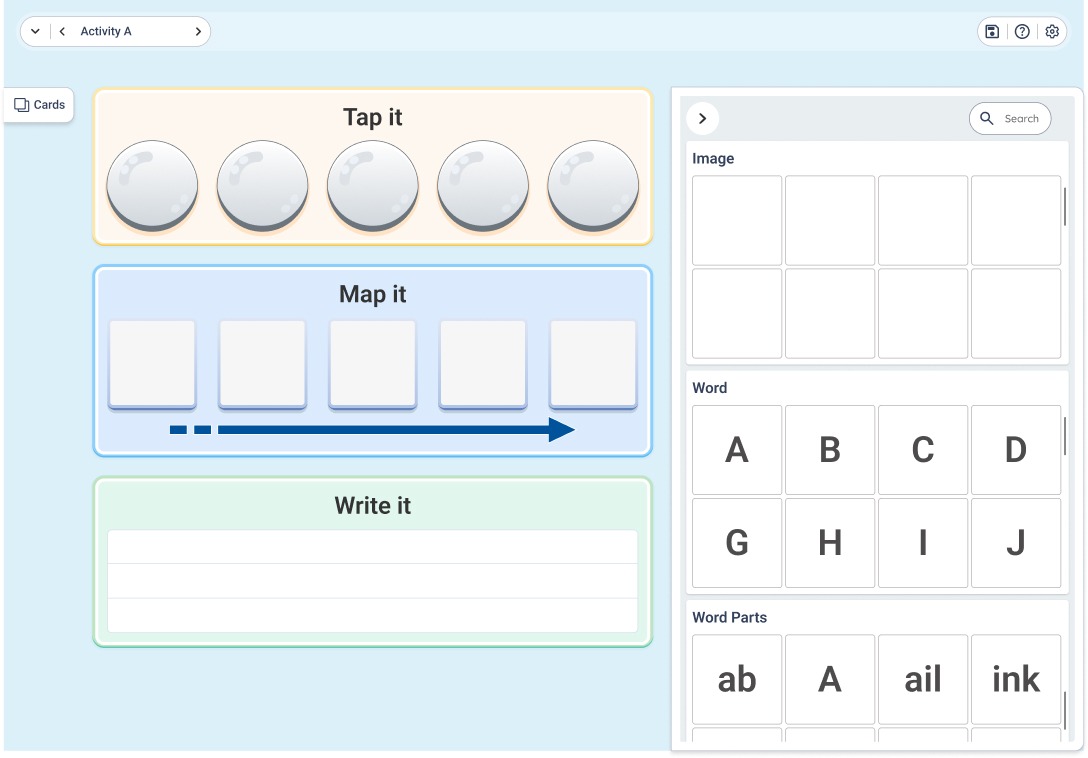
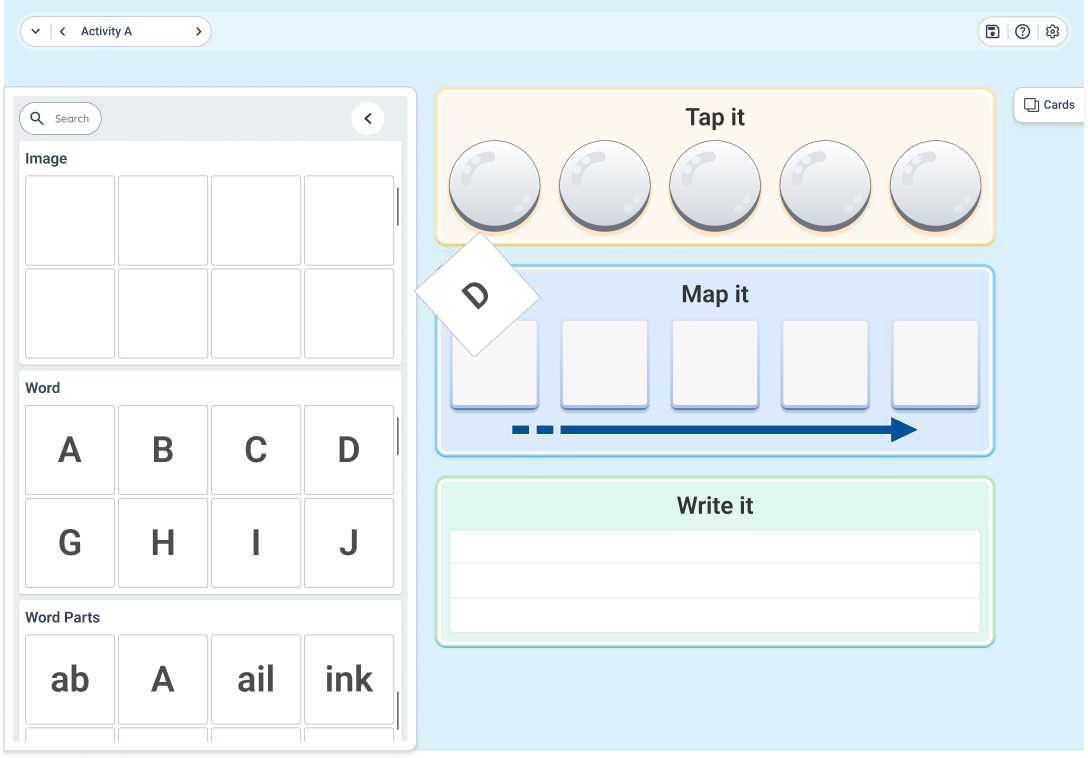
Magnetic Tiles Interaction

This activity enables students to interact with visual and text elements through a hands-on, tile-based interface. By dragging and placing tiles into structured sections like Tap, Map, and Write, students can actively engage with the learning task in an intuitive and playful way.

Impact

The redesigned experience makes learning more engaging and easier to understand for students, while significantly improving efficiency for teachers. By focusing on interaction, clarity, and simplicity, the system becomes more intuitive, scalable, and better aligned with real classroom needs.

Key Takeaway

Designing for young users requires reducing complexity to its core. The most effective learning experiences are not explained — they are felt through interaction.

Scroll to Top